Enabling Unattended Start Mode
The default is that Unattended start mode is enabled. This causes the multiaccess
enclosure to load operational code automatically.
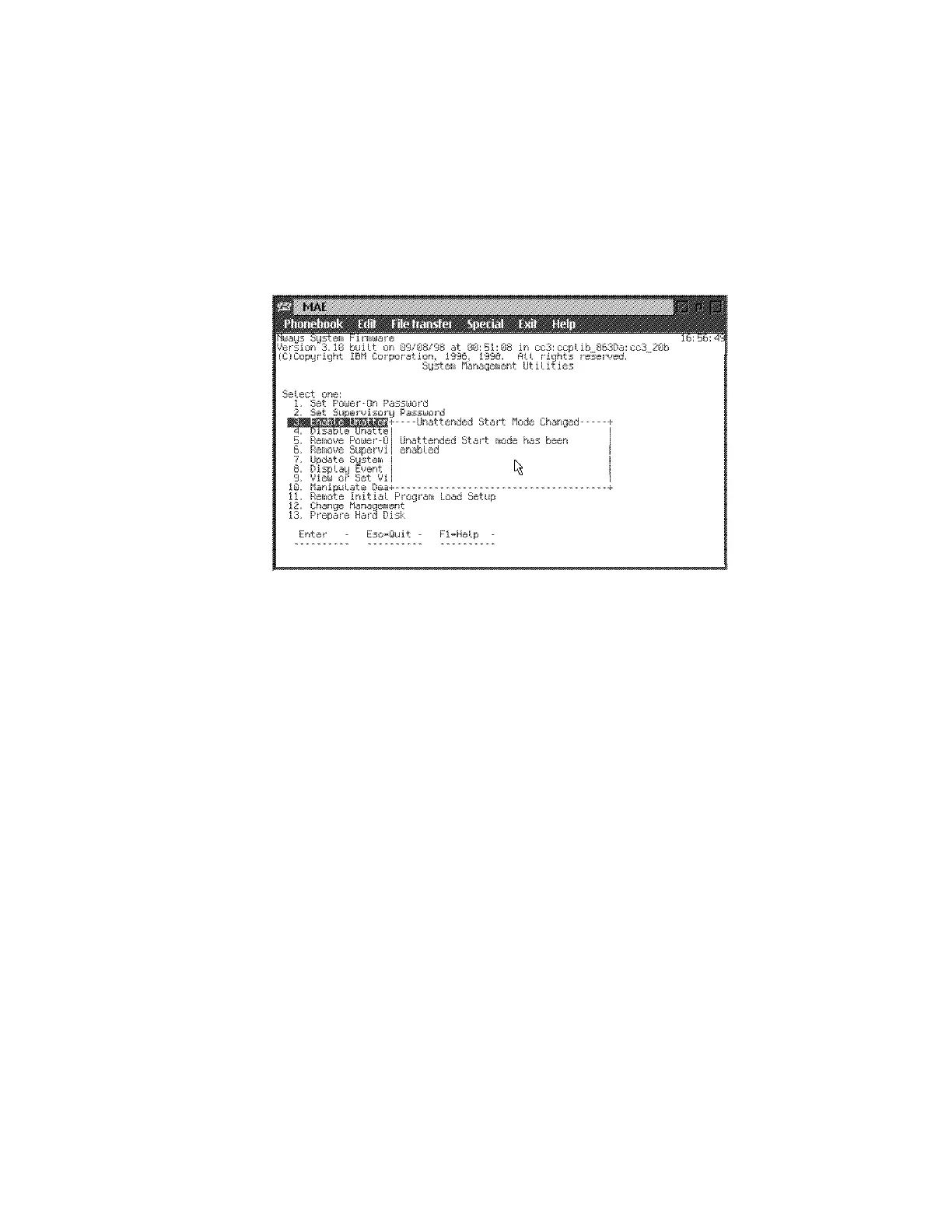
1 Select 3. Enable Unattended Start Mode from the utilities panel. The
Unattended Start Mode Changed panel is displayed (Figure 5-9).
2Press Enter.
Figure 5-9. Unattended Start Mode Changed (Enabled) Panel
Note: After you have enabled Unattended start mode, you can enter the firmware
by pressing and holding F1 at the terminal keyboard when the boot process begins.
Chapter 5. Multiaccess Enclosure Firmware and Operational Code 5-13











 To Next Page