Disabling Unattended Start Mode
The default for the multiaccess enclosure firmware is that the Unattended start
mode is enabled. You disable Unattended Start Mode using this utility.
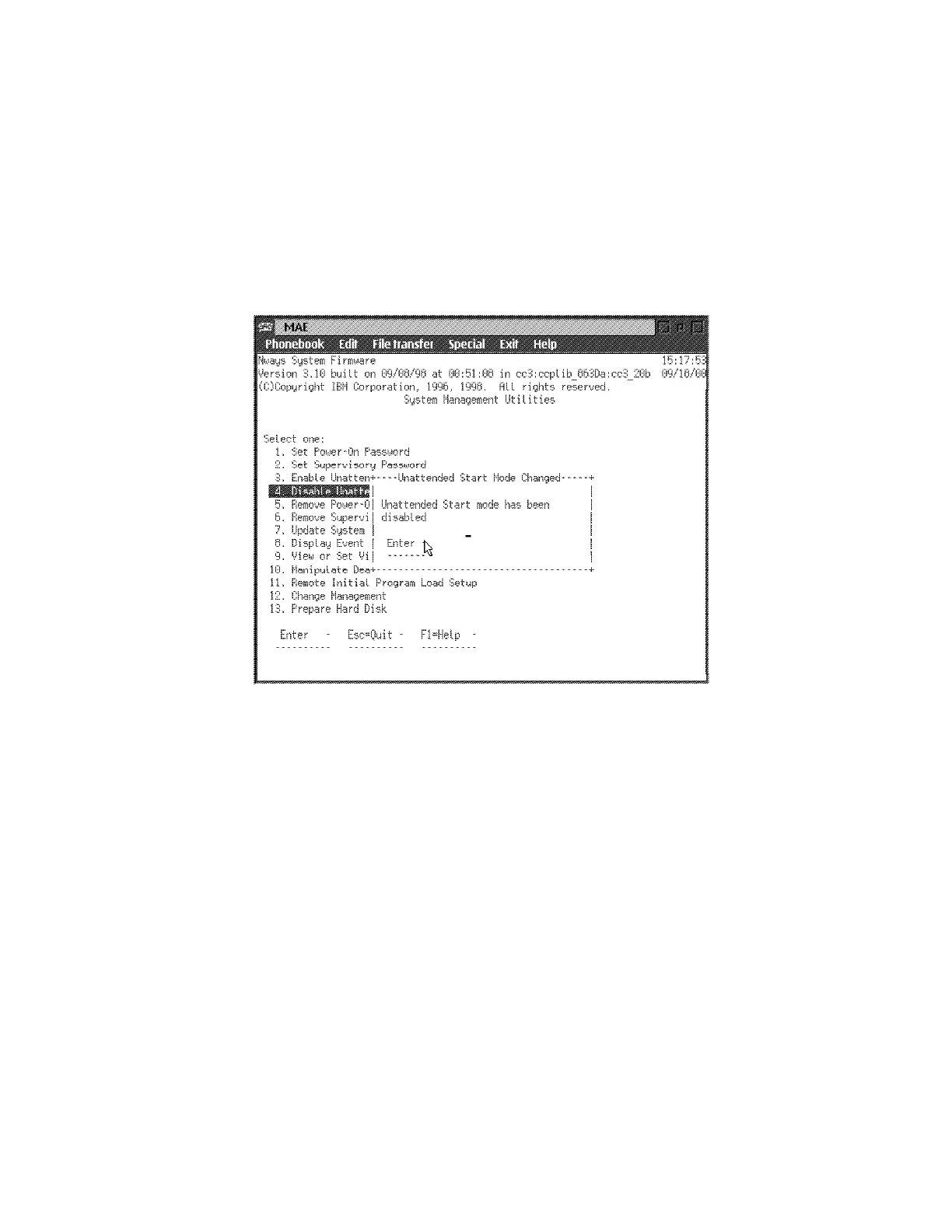
1 Select 4. Disable Unattended Start Mode from the utilities panel. The
Unattended Start Mode Changed panel is displayed (Figure 5-10).
2 This panel informs you that the Unattended start mode has been disabled
and prompts you to press Enter.
Figure 5-10. Unattended Start Mode Changed (Disabled) Panel
5-14 3746-9X0: MAE Installation and Maintenance











 To Next Page