Removing the Supervisory Password
The use of a supervisory password allows you a degree of security by preventing
unauthorized access to the multiaccess enclosure. However, removing the
enforcement of the password could be a convenience while servicing the
multiaccess enclosure.
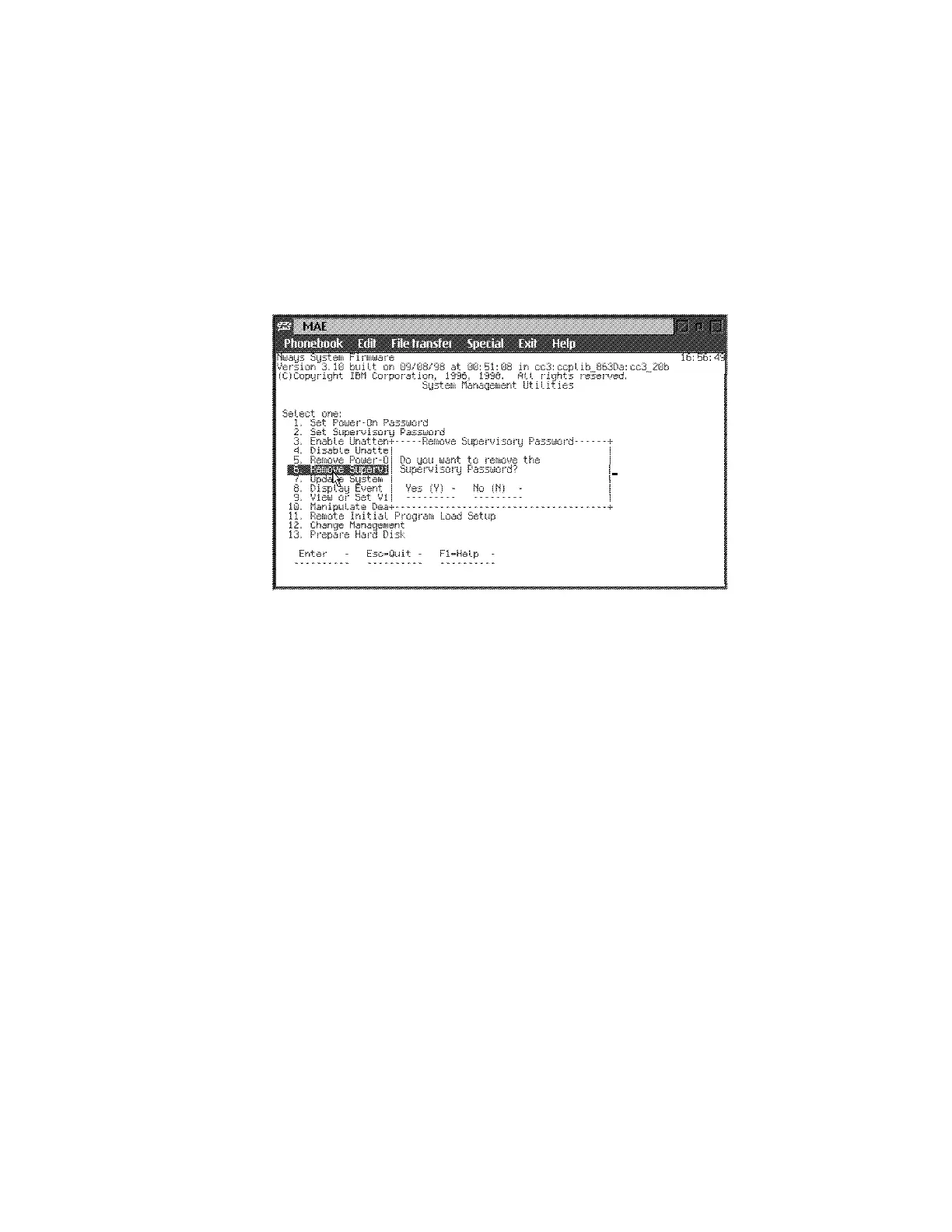
1 Select 6. Remove Supervisory Password from the utilities panel.
2 The Remove Supervisory Password panel is displayed (Figure 5-11).
Figure 5-11. Remove Supervisory Password Panel
3 Select Yes if you want to remove the supervisory password. Press Enter.
4 The Password Removed panel is displayed. This panel informs you that the
supervisory password has been removed.
Chapter 5. Multiaccess Enclosure Firmware and Operational Code 5-15











 To Next Page