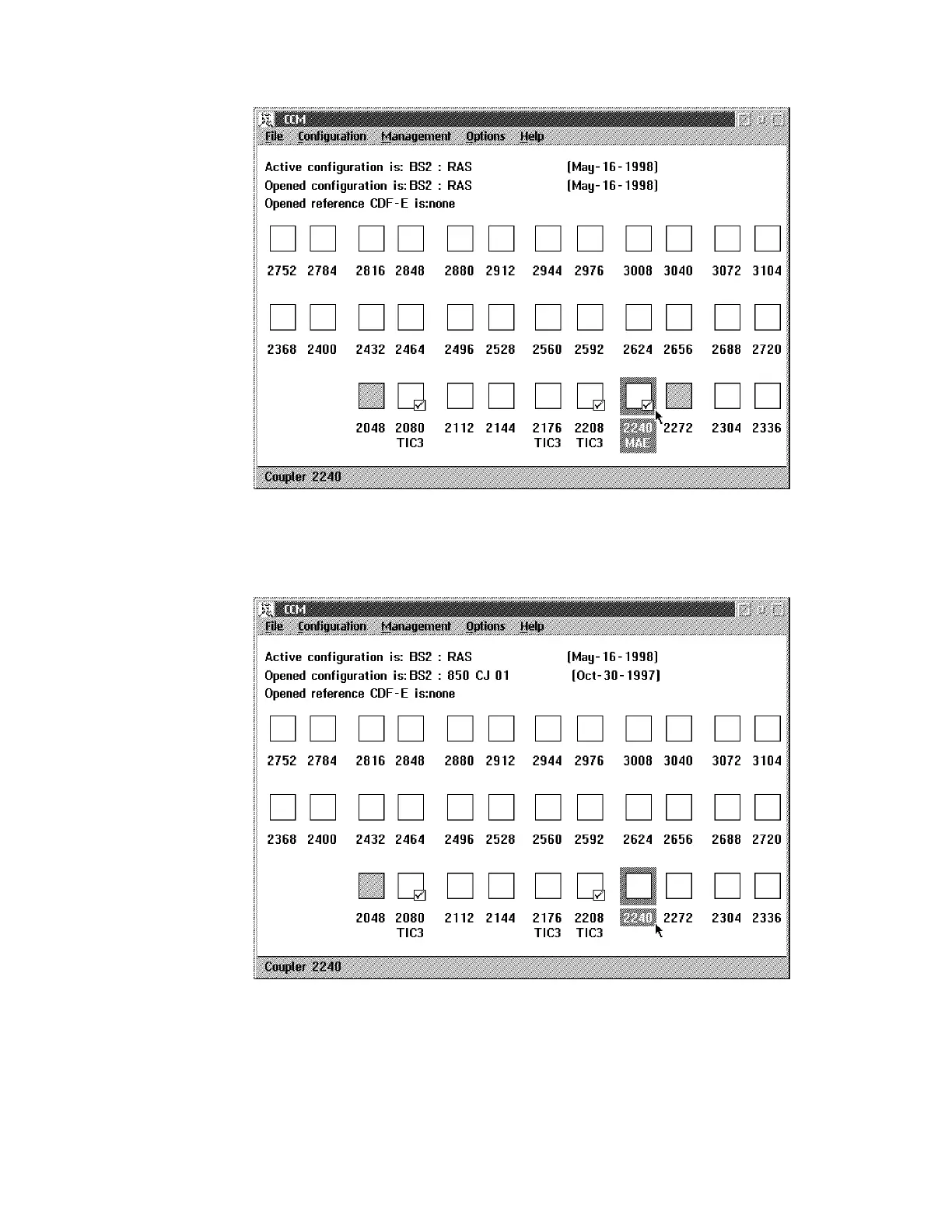
double click on the MAE address range and continue with Step 11 on
page E-9.
b. If the MAE is not yet shown in the window:
double click on the address range where you intend to install and
configure the MAE. Continue with Step 9.
9 The following window is displayed:
E-8 3746-9X0: MAE Installation and Maintenance






 To Next Page