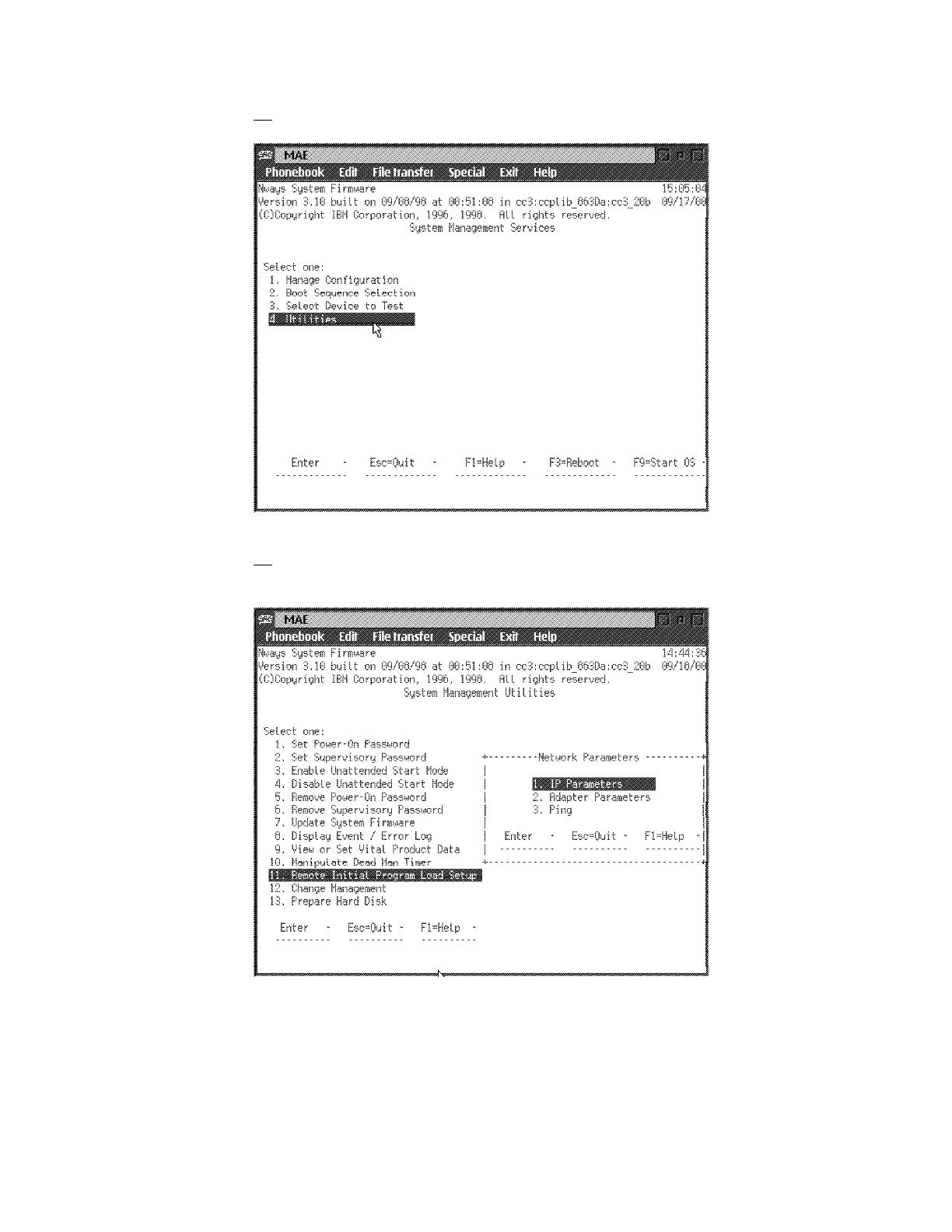
9. On the System Management Services window, select option 4 - Utilities
10. ____ Using the arrows keys, select (11) Remote Initial Program Load
Setup and press Enter, (1) IP Parameters is selected, press Enter again.
Figure 1-22. MAE
1-22 3746-9X0: MAE Installation and Maintenance











 To Next Page