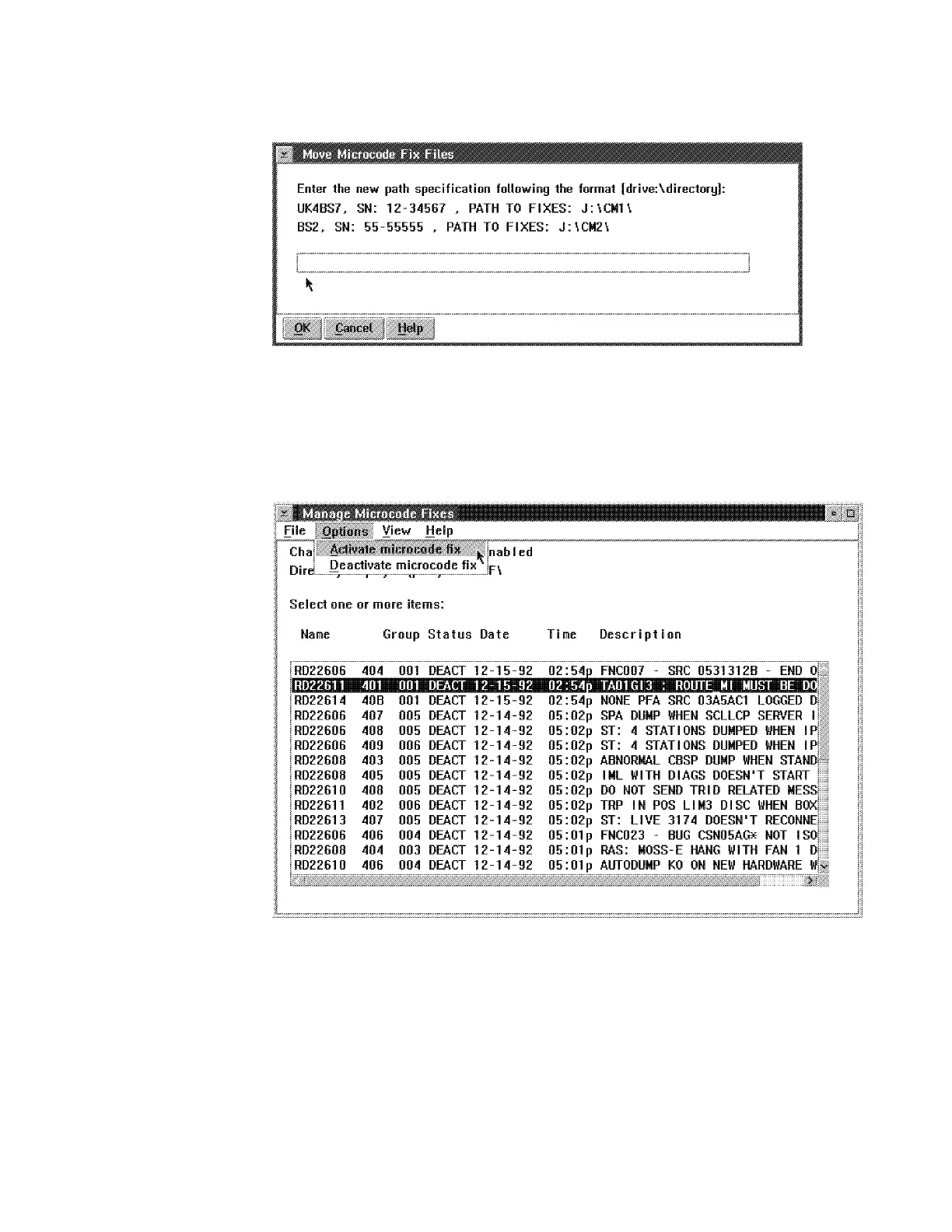
12. ____ Enter the directory path (see step 11 on page 2-6) then click on OK.
Figure 2-7. Manage Microcode Fixes
13. ____ Click on the lines of the MCFs to be applied (see example in the
Figure 2-8)
14. ____ Click on Options and from the Options pull down menu click on Activate
microcode fix
Figure 2-8. Manage Microcode Fixes
Chapter 2. Maintaining the Code on the MAE 2-7











 To Next Page