15. ____ Remove the diskette from the drive.
16. ____ Verify the MCFs status:
a. ____ Enter the Service Processor maintenance password
b. ____ Double click on the Service Processor icon.
c. ____ Click on Change Management.
d. ____ Double click on Manage Microcode Fixes
e. ____ Click on View, click on Change directory path
f. ____ Enter the directory path: J:\MCF.
g. ____ Click on OK and verify the MCFs status, it must be ACT.
17. ____ Click on the System Menu icon, click on Close to exit from the function.
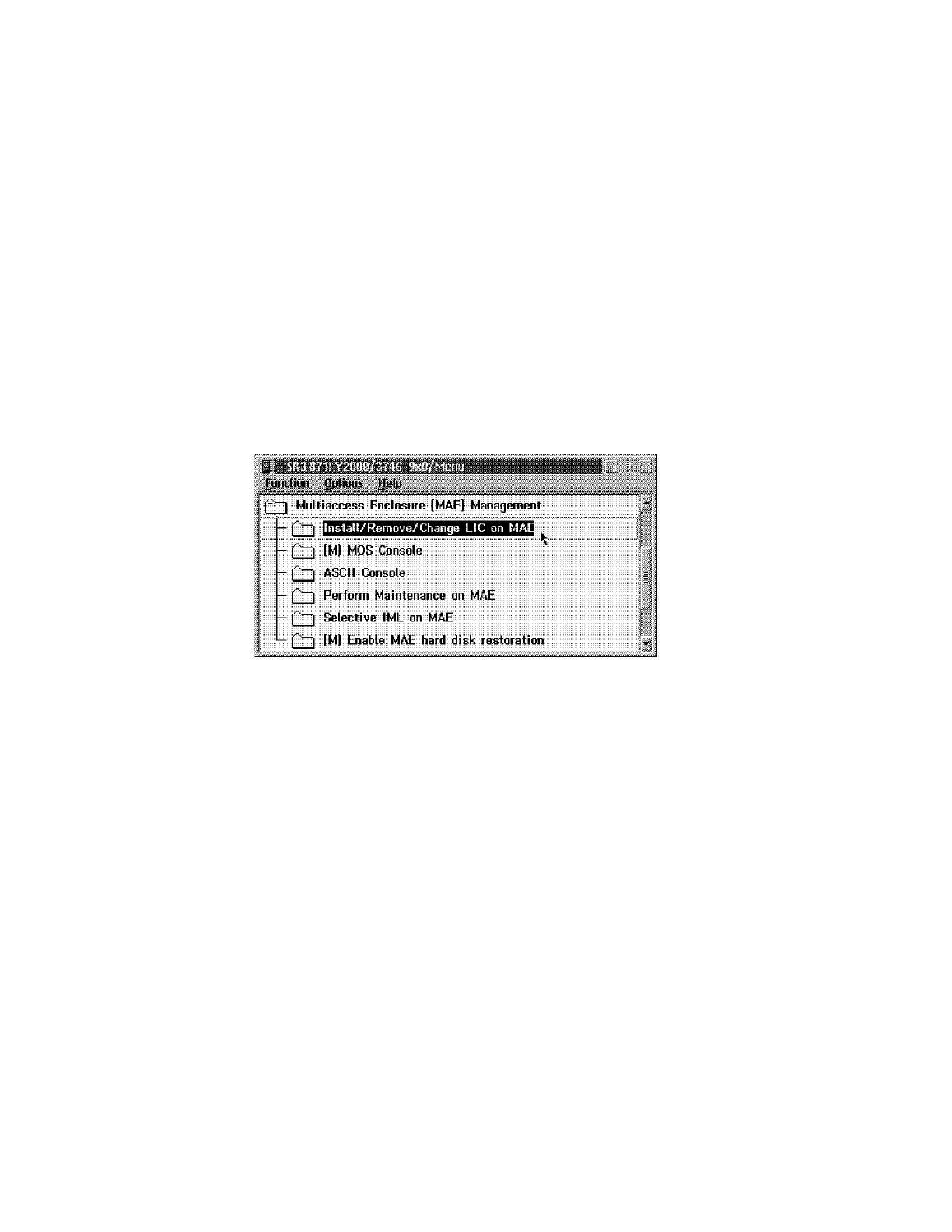
18. ____ Click on Multiaccess Enclosure Management.
19. ____ Double click on Install/Remove/Change LIC on MAE.
Figure 2-9. Multiaccess Enclosure (MAE) Management
2-8 3746-9X0: MAE Installation and Maintenance











 To Next Page