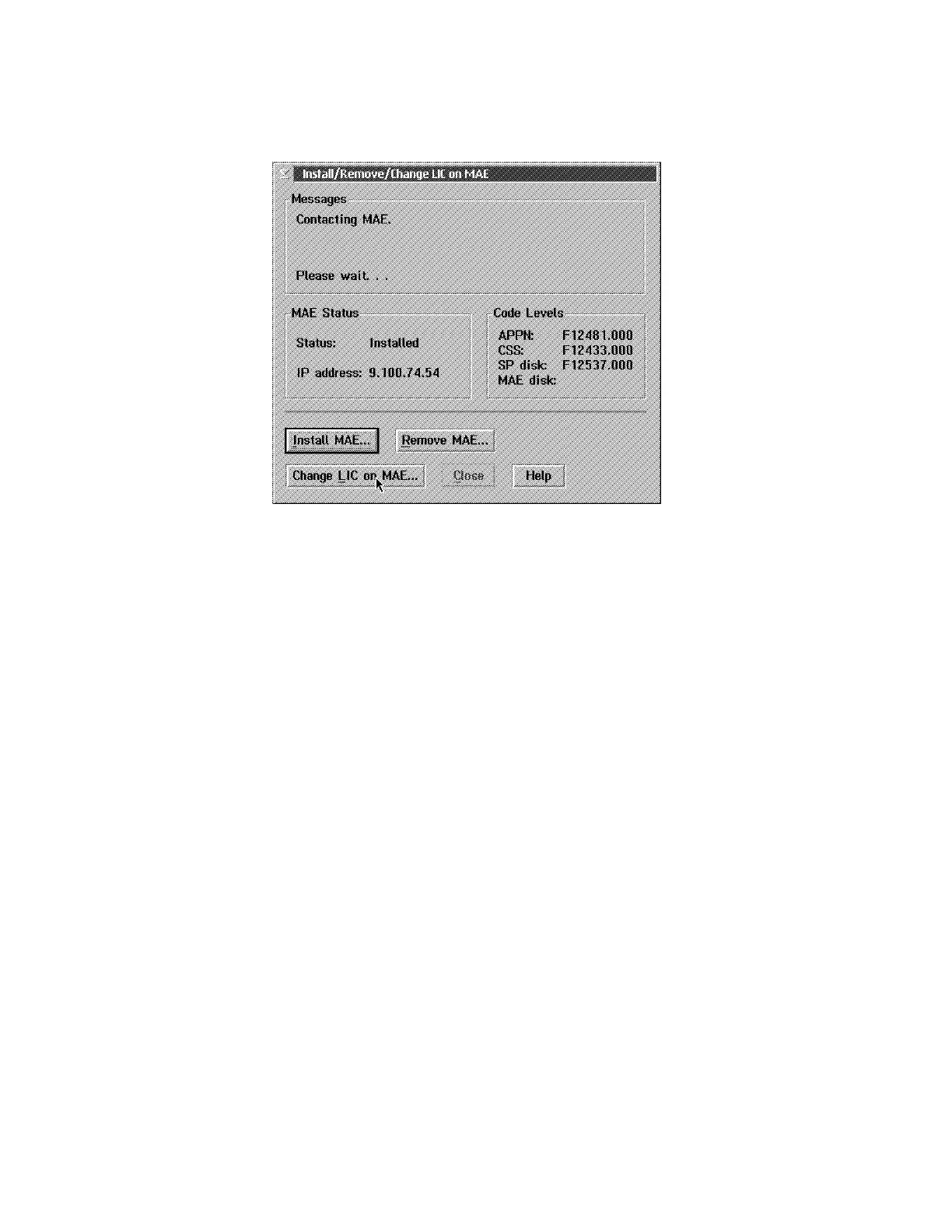
20. ____ Click on Change LIC on MAE, the MAE code is now being copied from
the SP hard drive to the MAE hard drive
Figure 2-10. Install/Remove/Change LIC on MAE
21. ____ When completed, click on Close to exit from the function.
22. ____ From the MAE management screen, double click on Selective IML on
MAE to reboot the MAE.
Chapter 2. Maintaining the Code on the MAE 2-9











 To Next Page