Chapter 3. Multiaccess Enclosure Problem Determination
Note: The Multiaccess Enclosure service representative can run the diagnostics
on site through the service processor connected directly to the Multiaccess
Enclosure.
YY
Y
Y
YY
Y
Y
Y
Y
Y
AB 1
5
2
6
3
7
4
8
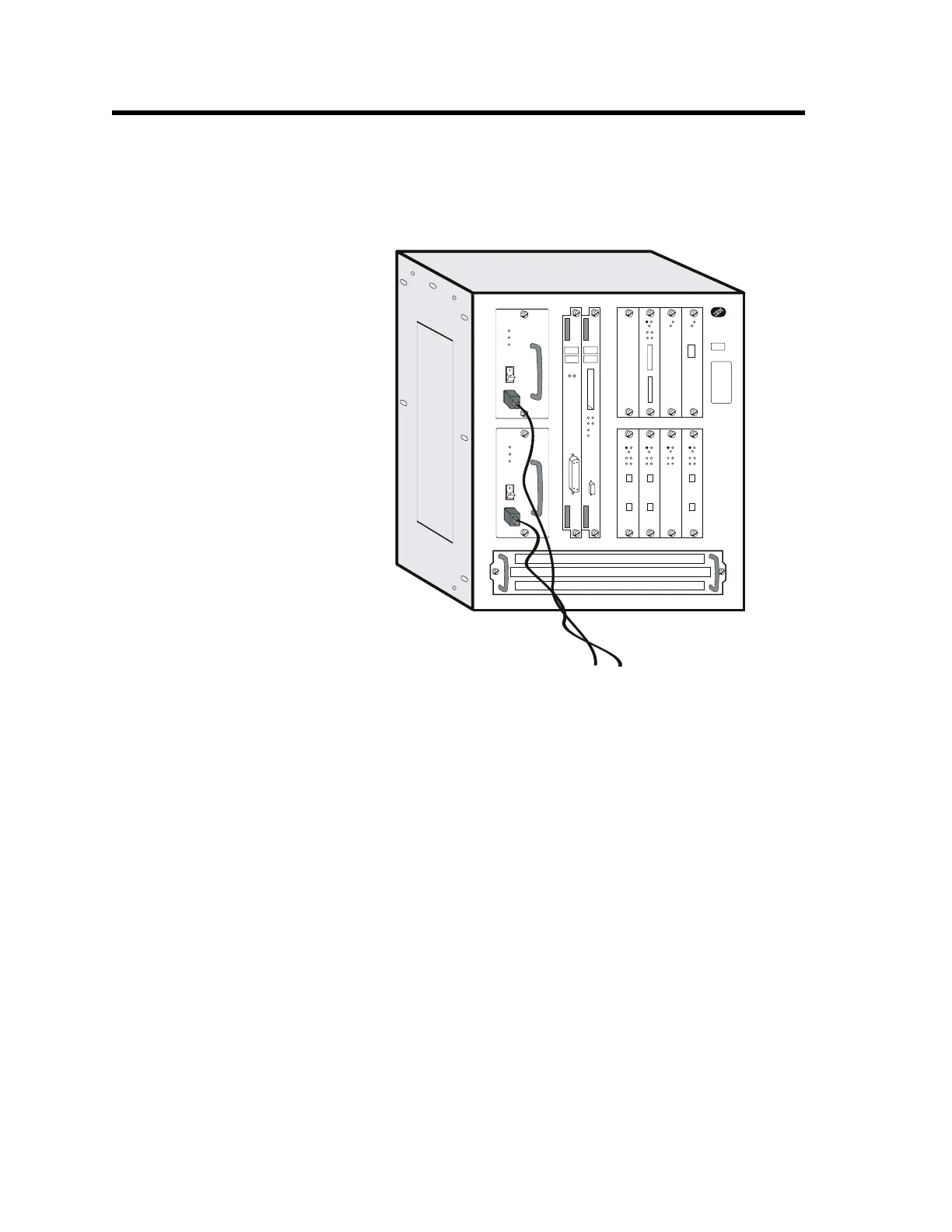
Multiaccess Enclosure Power Supply
The power supply panel contains:
The power switch, which is used to power ON or OFF the multiaccess
enclosure
The Overcurrent Reset switch, which resets all current-limit circuits for the +12
V and -48 V outputs at the same time.
LEDs which indicate the presence of AC, DC voltages or presence of
overcurrent condition.
System Card LEDs
After power-on-reset (POR), the green and yellow LEDs will remain on until
successful completion of the power on tests (which will be under 2 minutes). The
green LED will begin blinking, which indicates that the code is being loaded into
memory. The green LED will be switched on to indicate that the system code is
operational.
Note: If the Multiaccess Enclosure is waiting for the power-on password, the
green LED is off. If you do not have the console attached, you will not know that
the system is waiting. Looking at the LEDs may lead you to believe that you have
a hardware problem.
Copyright IBM Corp. 1998, 1999 3-1











 To Next Page