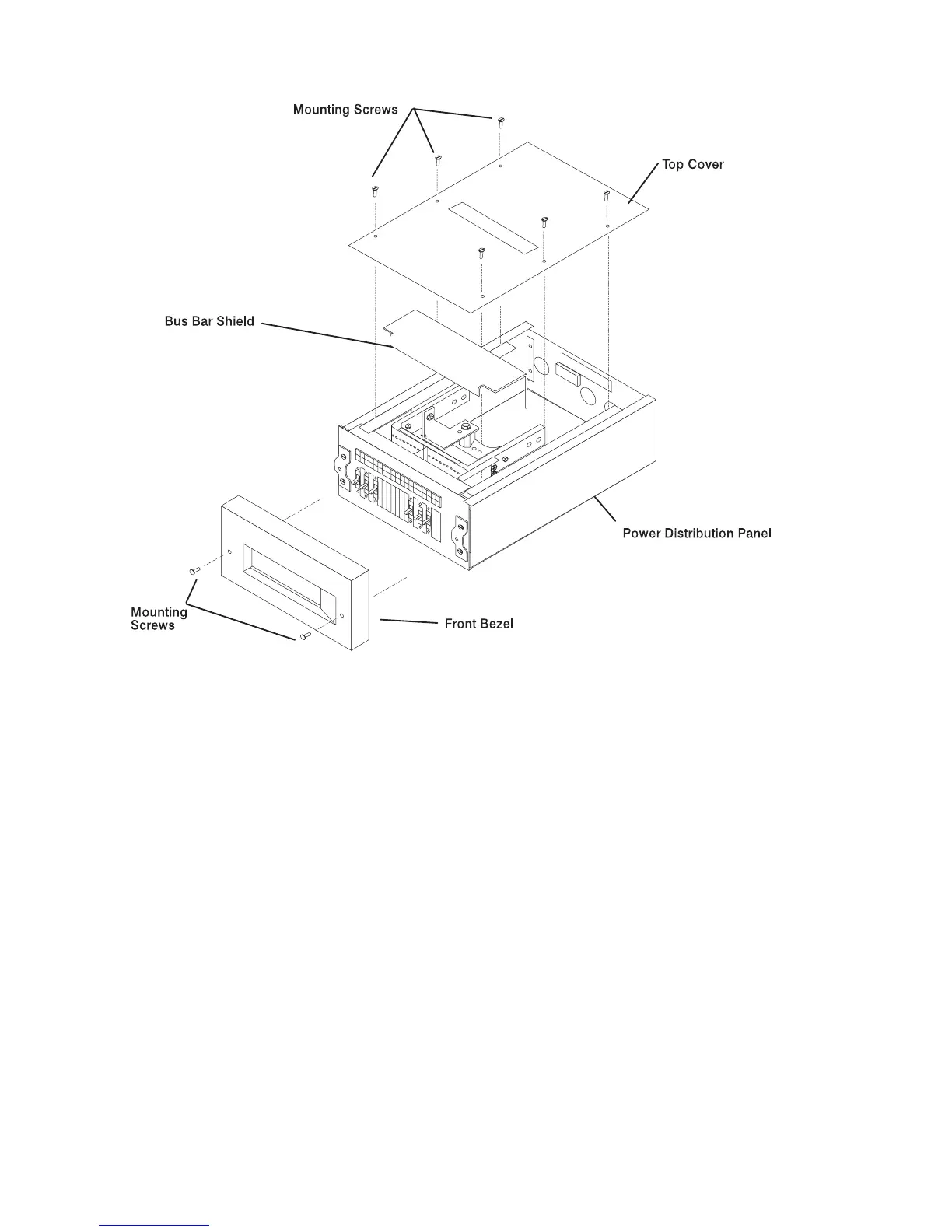
7. With a multimeter, verify that no power exists between each -48 V DC bus bar ( -
) and its return bar (+).
8. Record the locations of all cables or wires connected to the three connector pins
on the circuit breaker to be removed and to the -48 V DC power connector.
9. Disconnect the three wires from the three connector pins. on the circuit breaker.
10. Disconnect the -48 V DC power cable from the circuit breaker. To disconnect
the -48 V DC power cable, remove the connector nut, and then remove the
cable.
4-18 7014 Model S00 Rack Installation and Service Guide



 To Next Page
 Loading...