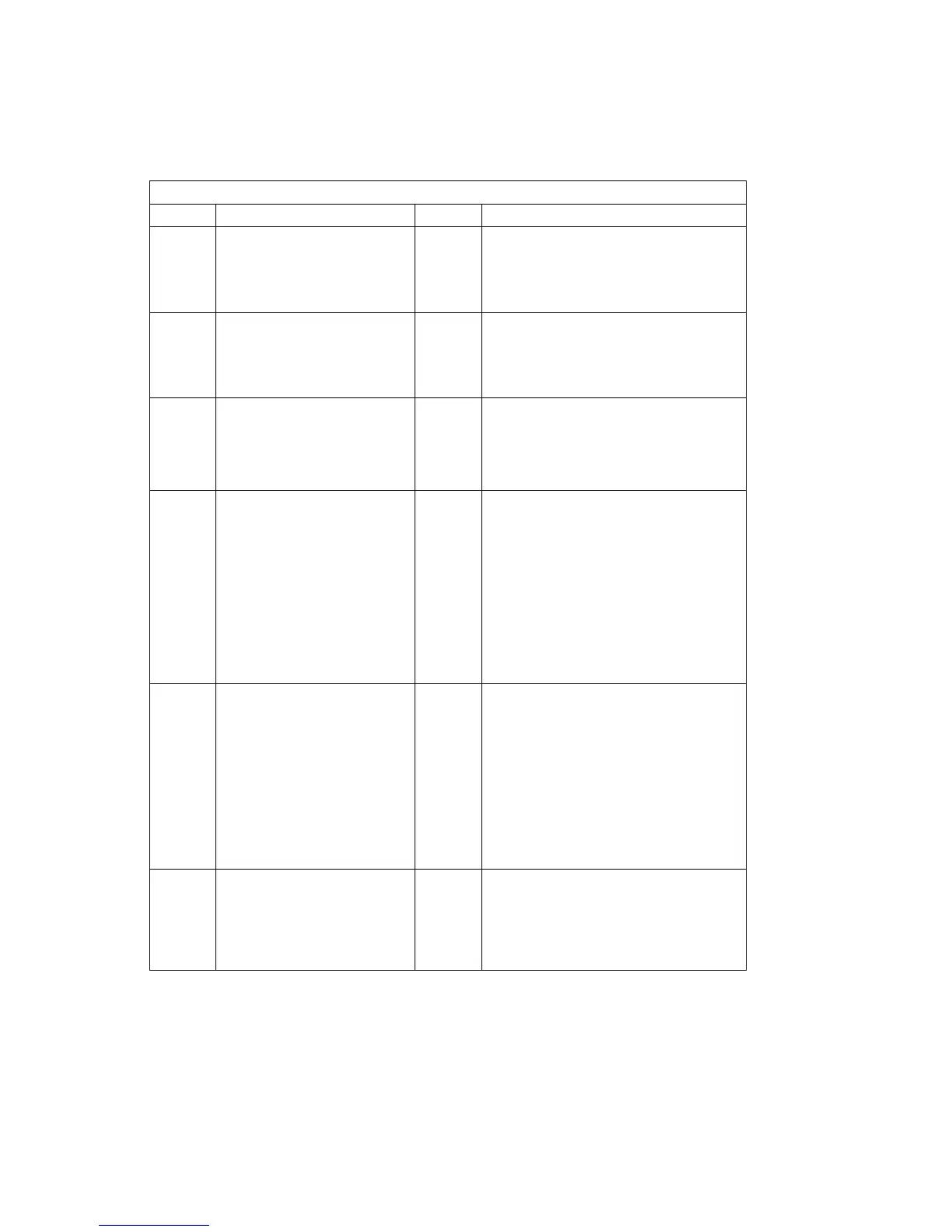
Table 5-1 (Page 1 of 8). Service Request Numbers
SRN FRU List % Problem
10101 Disk drive module (See “Hot
Swap Disk Drives” on
page 7-10.)
100 Description: Disk drive motor stopped.
The disk drive module is bad.
Action: If this SRN was received by one
disk drive module only, then exchange
that disk drive module.
10112 None – Description: Format degraded. A format
operation has been ended before it has
completed.
Action: Use the Format service aid to
format the disk drive module.
1
xxxx
Disk drive module (See “Hot
Swap Disk Drives” on
page 7-10.)
100 Description: Disk drive module error.
Action: Exchange the FRU for a new
FRU.
Note: In this SRN, an
x
represents a
digit from 0 to F.
20PAA Disk drive module (See “Hot
Swap Disk Drives” on
page 7-10.)
SSA adapter card (See the
installation and service guide
for the using system.)
External SSA Cables
Backplane assembly (See
“SCSI or SSA Backplane” on
page 7-49.)
Internal SSA Cable
45
45
6
2
2
Description: An open SSA link has been
detected.
Action: Run the Link Verification Service
Aid to isolate the failure. If the SSA
service aids are not available:
When the failing device is an SP, go
to “SSA Maintenance Analysis Proce-
dures (MAPs)” on page 2-43.
When the failing device is not an SP,
go to the service information for that
device.
21PAA
to
29PAA
Disk drive module (See “Hot
Swap Disk Drives” on
page 7-10.)
SSA adapter card (See the
installation and service guide
for the using system.)
External SSA Cables Back-
plane assembly (See “SCSI
or SSA Backplane” on
page 7-49.)
Internal SSA Cable
45
45
6
2
2
Description: An SSA threshold-exceeded-
link error has been detected.
Action: Run the Link Verification Service
Aid to isolate the failure. If the SSA
service aids are not available:
When the failing device is an SP, go
to “SSA Maintenance Analysis Proce-
dures (MAPs)” on page 2-43.
When the failing device is not an SP,
go to the service information for that
device.
2A002 Disk drive module (See “Hot
Swap Disk Drives” on
page 7-10.)
SSA adapter card (See the
installation and service guide
for the using system.)
50
50
Description: Async code 02 has been
received. A software error has probably
occurred.
Action: Go to “Software and Microcode
Errors” on page 5-2 before exchanging
any FRUs.
Chapter 5. SSA Software and Microcode Errors 5-3



 To Next Page
 Loading...