81
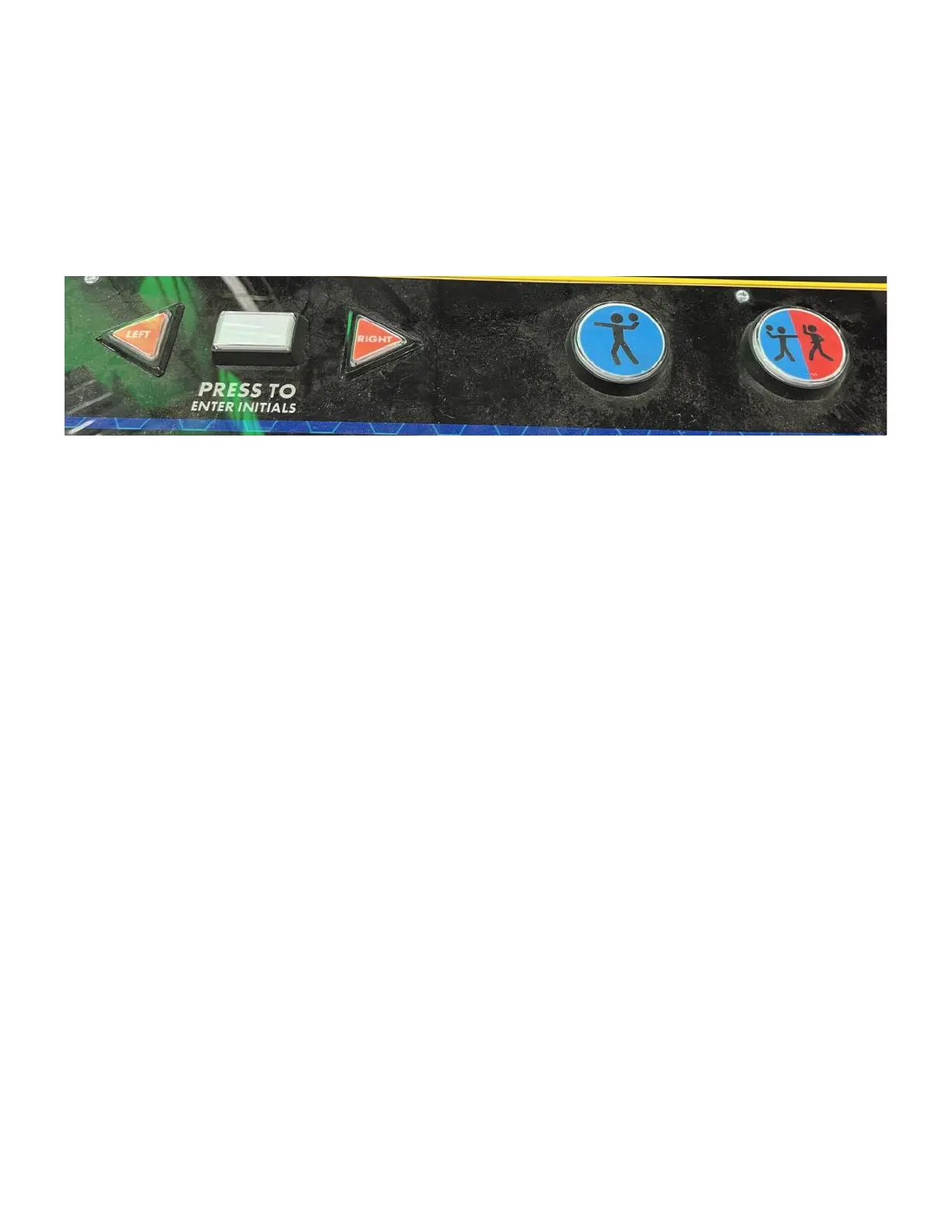
When in diagnostics if you press the “Press to enter initials” button it will cycle through the sensor
board numbers and light the location of the sensor.
Each press of any podium button will flash that button. You can use either side.
When you press the “LEFT” button on any swing target, the swing arm will move inward. If you
press the “RIGHT” button the swing arm will move outward. S1S2 shows means switch 1 and
switch 2. On a swing arm target, only S1 is used. When the arm swings inwards S1 will appear.
When the swing arm is returned to the outward position, S1 will disappear. When visible, the
status of that switch is high. When invisible, the status of that switch is low.
Press the “1P” button and the game will dispense 5 tickets.
If you trigger the coin line a sound will play.
The selected sensor board will show the digits on the display counting up.
For target board 15, S1 indicates the left hole and S2 indicates the right hole.
For target board 16, the upper red display will cycle numbers and the “LEFT” and “RIGHT” buttons
will swing the arm back and fourth.
For target board 17, the upper blue display will cycle numbers and when you press “LEFT” and
“RIGHT” buttons, the ball gate will operate.
Boards with IDs 18 through 22 only use S2 and will disappear when you press the back wall buttons.
“PRESS TO ENTER INITIALS” = Change sensor board number.
“LEFT” = Swing target arm inward (only on sensor 1 through 14).
“RIGHT” = Swing target outward (only on sensor 1 through 14).
“S1S2” = Status for switch 1 and switch 2. Visible = high, invisible = low.



 To Next Page