Mirror screen
18
DLAN Video Push Function
Search for the device in the WiFi settings of the
mobile device. The projector’s device name begins with
“GB”. Select the device and enter the password
12345678.
Scan the QR code on the model or key “192.168.49.1”
in the browser. Open “ ” function and click “scan” to
search for WIFI and key in passwords of wifi.
Open the video APP, select a video. Then choose “full
screen playback” after an advertisement. Then choose
DLNA push.
The user interface operates in an identical way,
whether you are using an Android or iOS device.
DLAN Video Push Function
1.
2.
3.
19
Android Directions
The multi-screen function is located on the display
menu. The model # of the device is located in the
middle of the boot screen, beginning in the letters
“GB.” Enter the password 12345678 to connect.
Mode Switch Key
(The “Switch” key is located on the bottom of the touch
screen [ ])
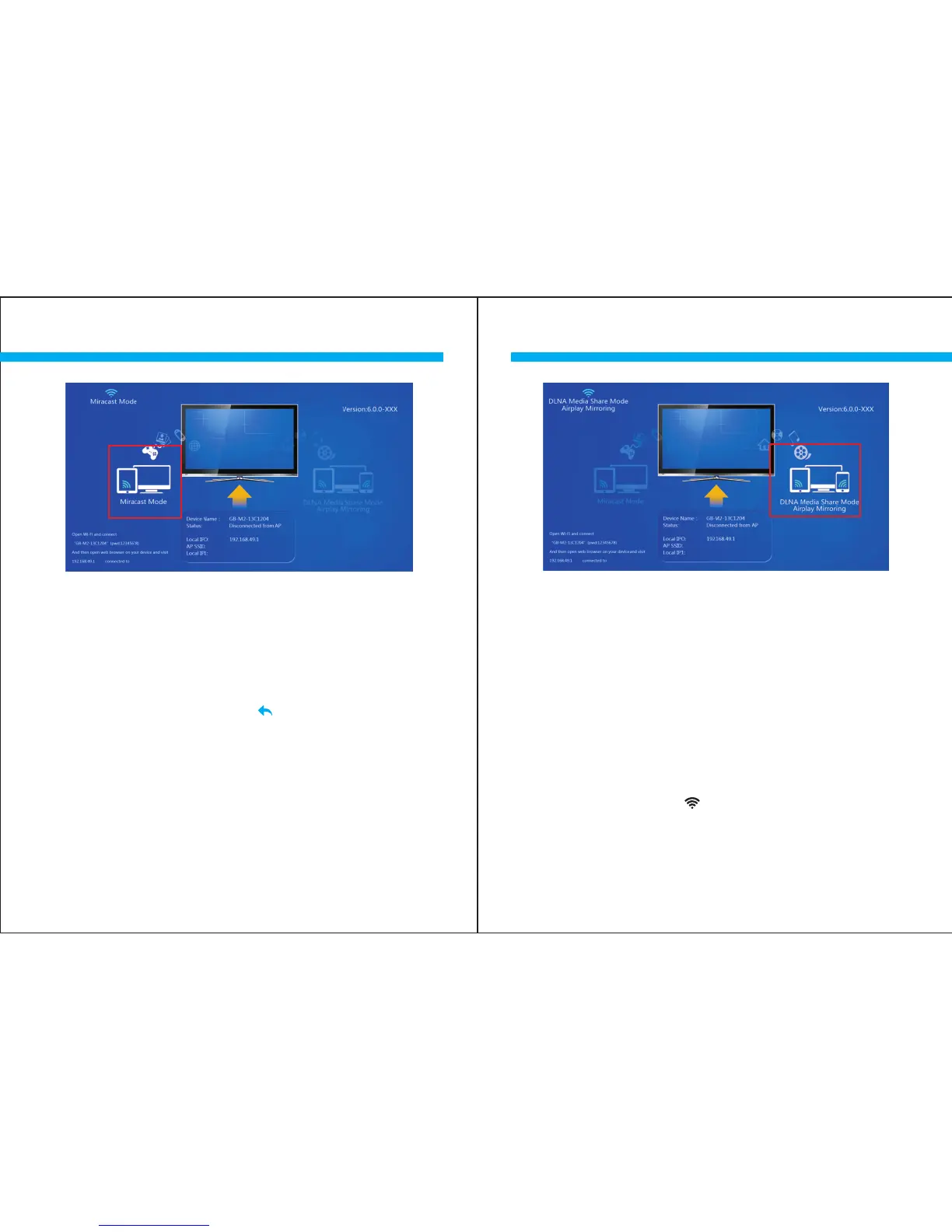
(Choose the Miracast Mode on the left of the screen.)
( Please select the DLNA mode on the right side of the screen.)



 To Next Page