U-disk(max 32GB Support)
USB
Use a USB cable to connect your iPhone/Android phone
to your projector, mirror your phone or stream multimedia
to G1 projector through simple USB connection. Simple,
stable and universal. (This feature is optional, please
consult the vendor to buy)
3.5mm Audio output(earphone or sonic
equipment connection)
Support 1T portable hard disk
*
*
*
*
Connecting Mobile Devices
8
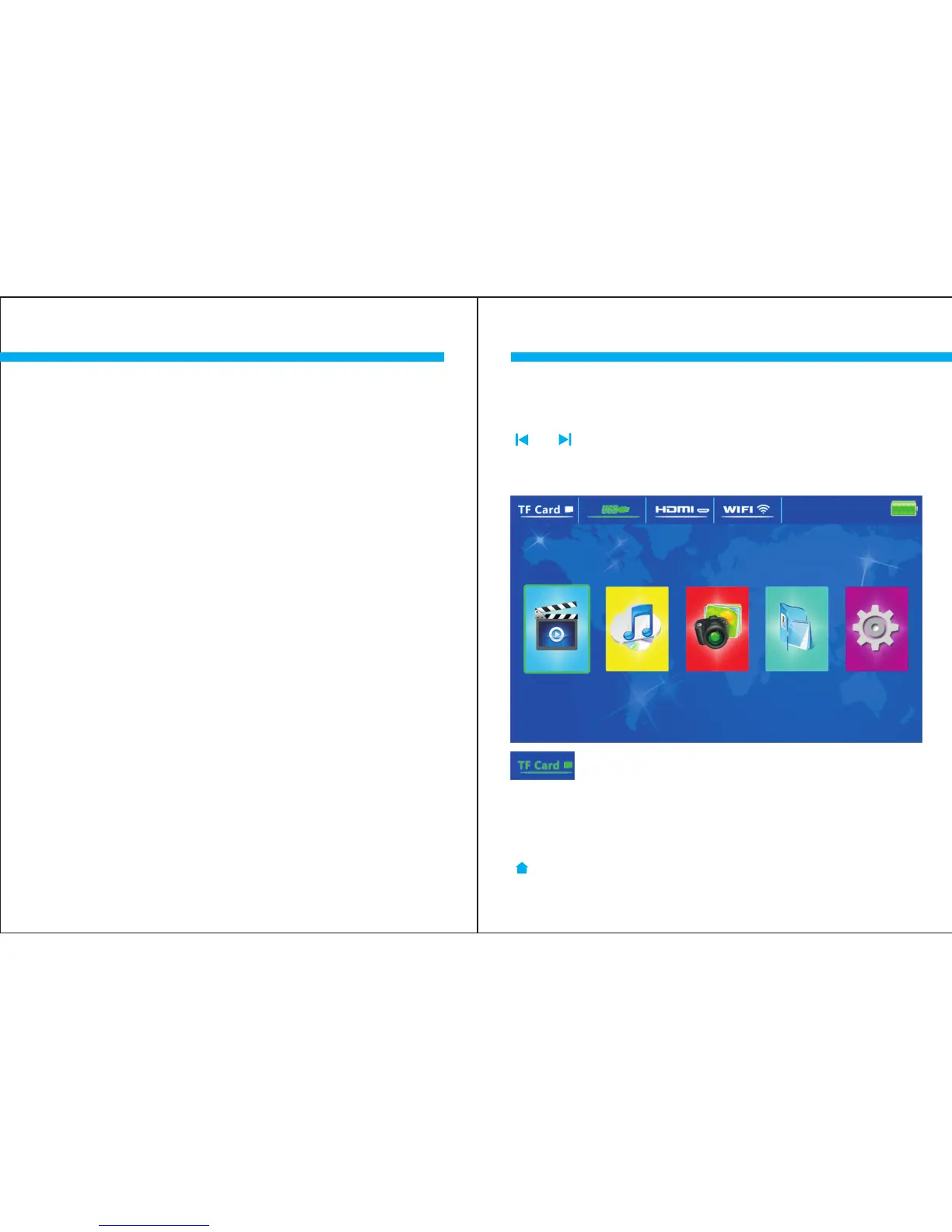
The booting default state is USB mode. Please touch the
[ ]or [ ]key to choose the desired mode and then press
[ ] to enter the signal source.(Selected mode icon will
become green)
OK
M O V I E M U S I C P H O T O
T E X T
S E T U P
Selecting “Signal Source” Input
Selecting “Signal Source” Input
9
After selecting the TF Card signal source, the file list will
appear. Select here to enter. After the files are selected,
press the OK key on the projector touch panel to play the
file. Press [ ] again to pause your media. Press the
[ ]key to switch back to the projector main menu.
OK



 To Next Page