4
SET THE DATE AND TIME
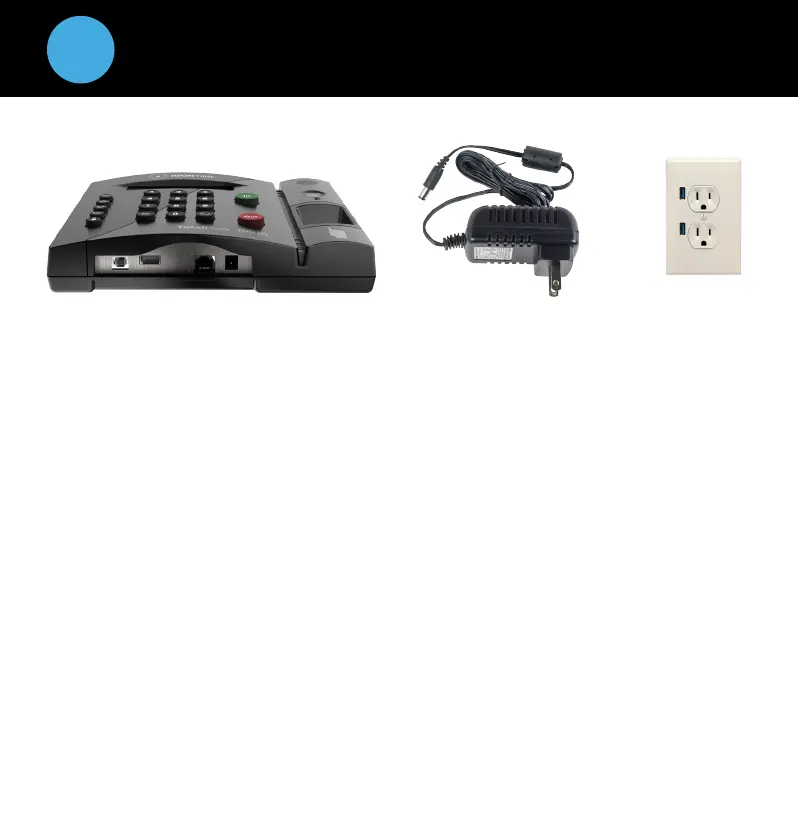
1. Plug the power supply into the port located on the bottom of the clock.
2. Plug the power supply into a wall outlet.
3. The display will read: Set Date/Time.
4. Press or on the time clock to select the current month. Press Enter.
5. Follow the same procedure to advance through each step as prompted to
complete the date and time setup. If you make a mistake, press Clear on
the time clock to go back and correct the entry.
6. Once you’ve completed these steps, the time clock will display:
Date and Time Set.
If the clock detects a Wi-Fi connection, the display will read:
Network Detected Press Enter.
^
^
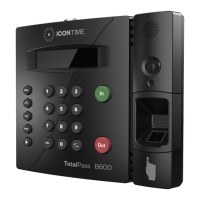
To ta l Pa s s B 60 0 T i me Cl o ck
Power Supply
Wall Outlet


 To Next Page