6
CONNECT USING WI-FI
1. If your wireless network is detected
automatically, press Enter and go to Step 5.
(If a wireless network is not immediately
detected, please go to Step 6.)
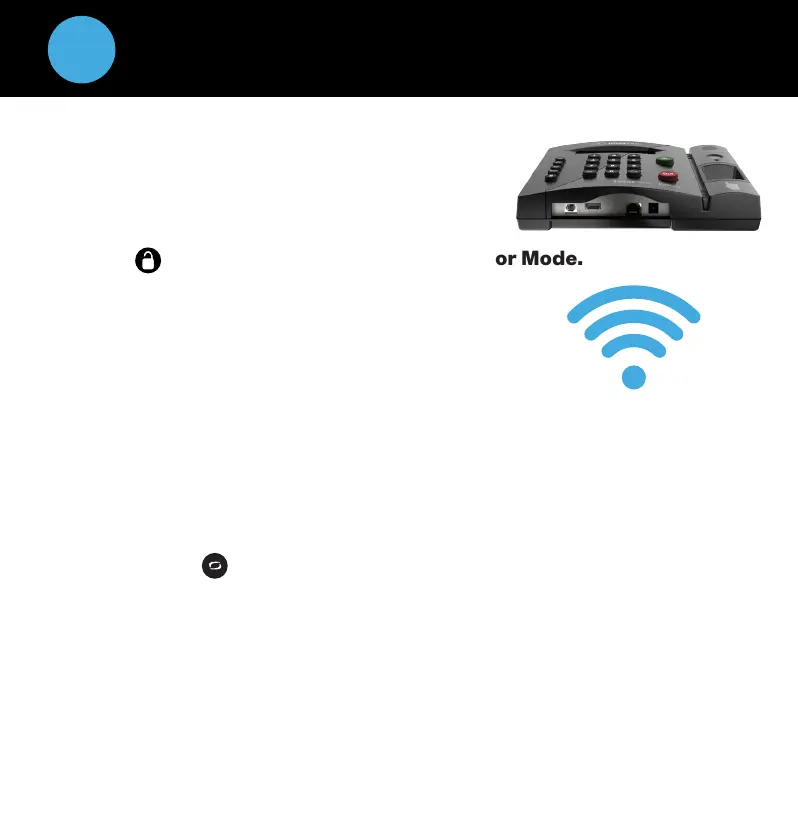
2. Press on the time clock to enter Supervisor Mode.
3. Enter the default security code: 00 00 00.
4. Use the on the time clock to scroll and go to
Network Settings. Press Enter.
5. Go to Wi-Fi Settings. Press Enter.
6. Go to View Networks. Press Enter.
7. Select your Network from the list. Press Enter.
8. Enter your Network Password using the on the time clock to scroll
through your character options.
Use the key to change the character set to lowercase,
uppercase, # or symbol.
Press Enter to accept a single character.
When you have entered your password, press Enter twice to save it.
Note: Write down the IP Address shown and go to the instructions for
Logging Into Your Time Clock.
^
^
Wi-Fi Connection


 To Next Page