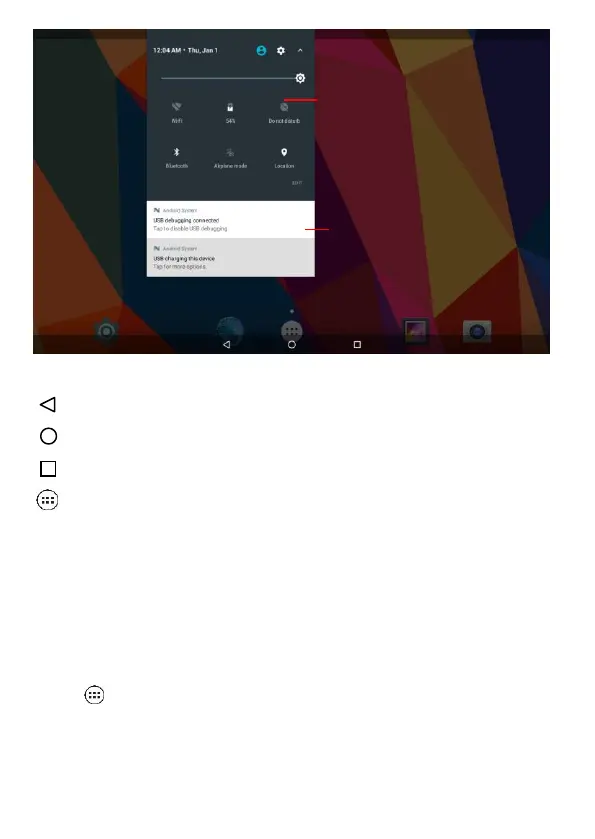
: tap to return to the previous page.
: tap to enter Home screen.
: tap to open recent APPs list menu.
: tap to enter APPs Menu.
If it’s your first time to use the tablet, the system will enter the guide
menu. Please finish the initial setting following the instructions.
2-1 Add screen shortcuts
On the home page, touch and hold the blank area to popup menu to
change wallpaper;
Touch to access APPS menu as shown in picture 2-3; touch and
hold an APPS icon to add it to the home screen.



 To Next Page