Mio X-Series User Guide Page 9
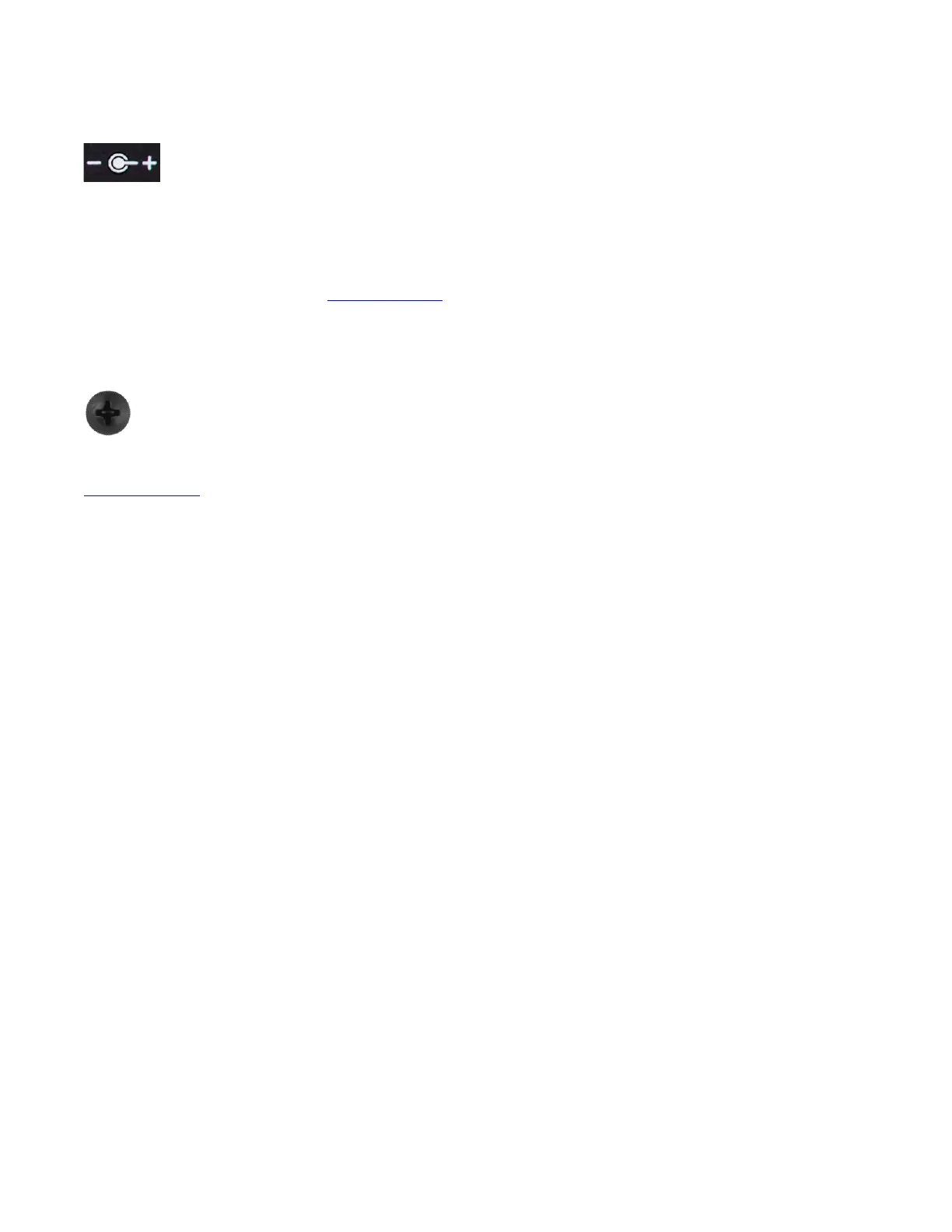
Power Port
mioX requires power via its Power Port. Plug one end of the provided power
adapter into the device’s Power Port and the other end into your wall or power strip
outlet. Depending on your location, you may need to use one of the included international plug
adapters.
Always use the iConnectivity provided power supply. If you lose or damage yours, we sell
direct replacements. See the Specifications section of this guide for details.
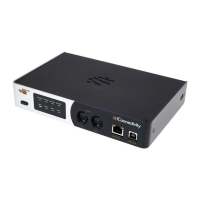
GND
Chassis GND is provided by a Phillips-head screw at the right end of the rear panel.
Although it is usually not necessary, depending on the location of your mioX and your
overall system configuration, you may need to connect the mioX Chassis GND to
other GND connections in your system. If you lose or damage your GND screw, see the
Specifications section of this guide for more details.



 To Next Page