Need help?
Do you have a question about the iConnectivity mio XM and is the answer not in the manual?
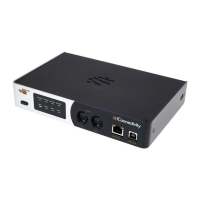
Details the components and controls on the front of the mioXM.
Describes the touch-sensitive controls and status LEDs.
Lists the front panel ports for MIDI communication.
Describes the DIN MIDI input/output port.
Explains the RTP/Network MIDI port and its LEDs.
Details the USB-DAW port for computer connection.
Details the components and connections on the rear of the mioXM.
Explains the USB-MIDI host ports for connecting devices.
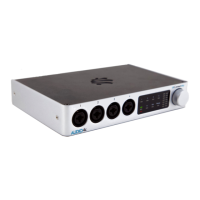
Details the components and controls on the front of the mioXL.
Details the components and connections on the rear of the mioXL.
Describes the User Interface elements and controls.
Explains methods for managing presets.
Guides on installing software for full functionality.
 General
| USB Ports | 1 x USB Type-B |
|---|---|
| USB Connectivity | USB 2.0 |
| MIDI Interface | Yes |
| Class Compliant | Yes |
| MIDI Thru | Yes |
| Standalone Operation | Yes |
| MIDI Ports | In, Out |
| Routing | Flexible routing options |
| Power | USB bus-powered |
| Compatibility | Mac, Windows, iOS |
| Dimensions | 140 x 89 x 38 mm |


 To Next Page