Mio X-Series User Guide Page 8
Rear Panel
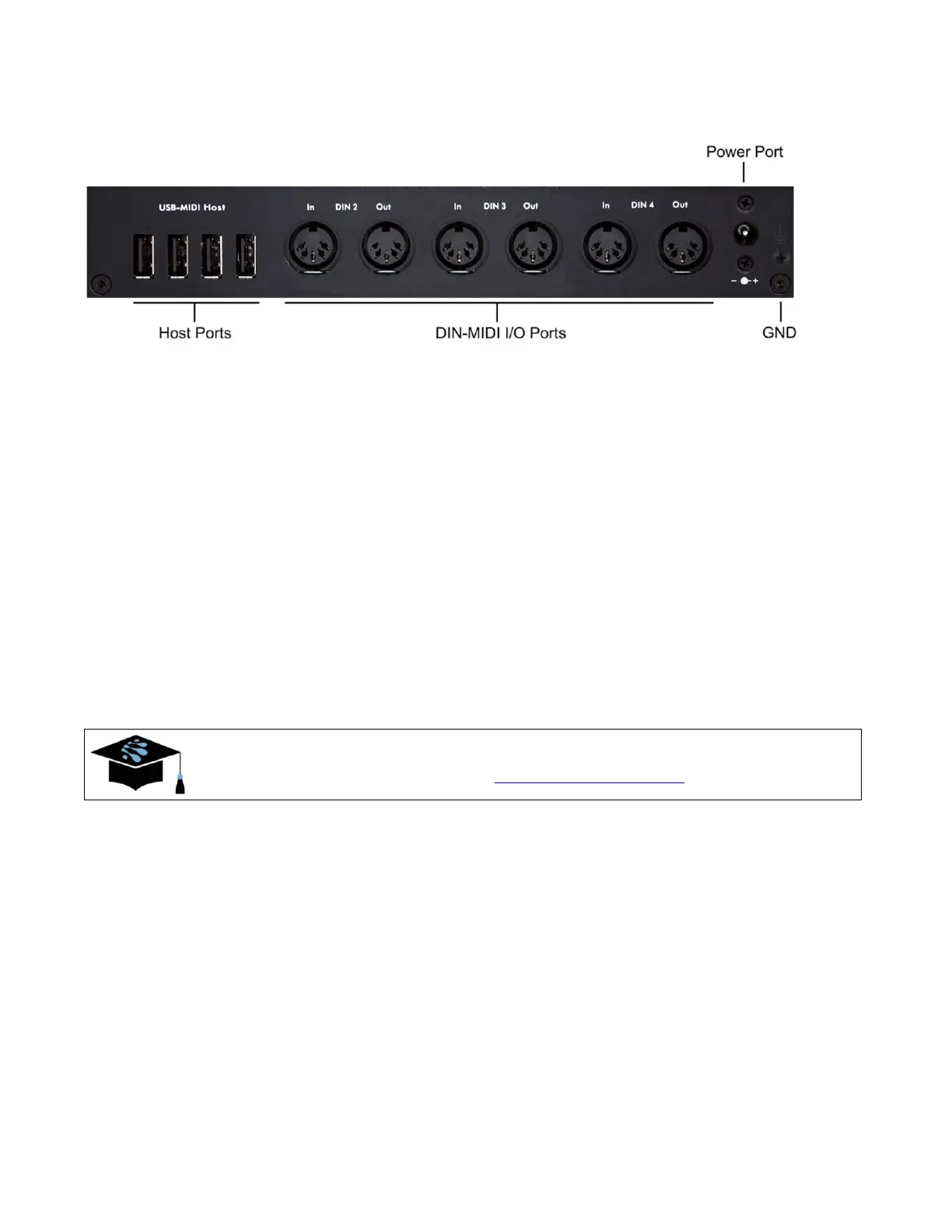
Host Ports
The 4 mioXM Host Ports “host” additional USB-MIDI devices (for example: a keyboard
controller). Internally, the mioX routes MIDI data between these and all other I/O ports, as
configured by Auracle for X-Series software.
Note that the Host Ports have no numbers written above or below them. That is because host
assignments are flexible: you can plug a USB-MIDI device into any of these ports at any time.
The first USB-MIDI device plugged in will be assigned HST 1, the second device assigned
HST 2, and so on. mioXM can even host external (powered) USB hubs with additional
USB-MIDI devices for a total of 8. If you desire consistent host port numbering, Auracle for
X-Series software may be used to reserve port numbers for specific USB-MIDI devices in your
setup, regardless of what order your devices are plugged into the host ports.
For more information on USB-MIDI Host port usage, peruse the
iConnectivity Knowledge Base at: mio X-Series Host Port
DIN-MIDI I/O Ports
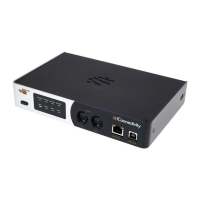
In addition to the first DIN-MIDI I/O port (on the front of the device), there are 3 additional pairs
of DIN-MIDI I/O ports on the back of the mioX, each carrying its own unique stream of MIDI
data. Connect these ports to other devices with DIN-type MIDI connectors. Similar to the DIN 1
port, data flows into the device on a MIDI In connector and flows out from the device on a
MIDI Out connector.
Internally, the mioX routes MIDI data between these and all other I/O ports, as configured by
Auracle for X-Series software.



 To Next Page