15
Type of Host Drive Description of Host Drive Minimum number of hard disks
Disk 1:1 assignment: Host Drive to hard disk
(sometimes also called JBOD)
1
Chain Concatenation of several hard disks 2
RAID 1 Mirroring 2
RAID 0 Data Striping 2
RAID 4 Data Striping with parity drive 3
RAID 5 Data Striping with striped parity 3
RAID 10 Combined RAID 0 and 1 4
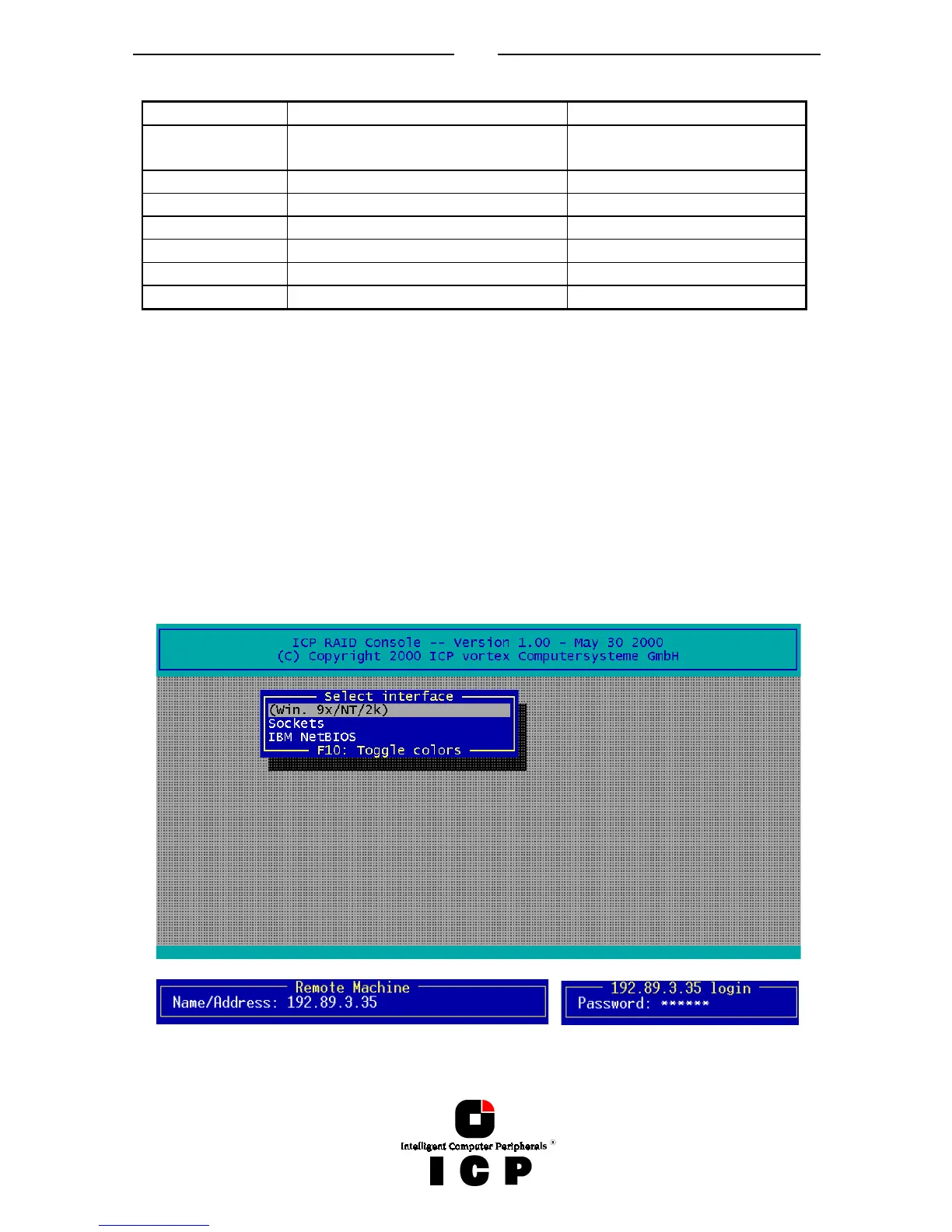
After loading ICPCON, the following screen appears (by pressing F10 you may toggle be-
tween black and white display or colored display).
I.2.1 Select Interface
„Interface“ represents the method of how ICPCON connects with the ICP Controller.
In this example „Win. 9x/NT/2k“ means that this ICPCON is the Windows version and is
loaded on a Windows system.
If you press ENTER, ICPCON scans this local system for ICP Controllers. Instead of „Win.
9x/NT/2k“ you could also find here „Linux“, „NetWare“, etc.
Selecting „Sockets“ allows for the remote connection of this workstation with servers using
ICP Controllers. You can either choose TCP/IP or IPX/SPX network protocols. In order to ac-
cess the servers with ICP Controllers, the corresponding remote service must be loaded on
the server. In addition the supervisor has to setup users and assign access rights (Name,
password, see also chapter II.9)



 To Next Page