33
I.4.4.6 Menu Advanced Setup: Configure Phys. Devs., Lock/Unlock Disk
This option is only high-lighted when you have selected a removable hard disk (e.g., Sy-
quest, Iomega). Before you can initialize a cartridge you have to lock it. Before removing it
you have to unlock it.
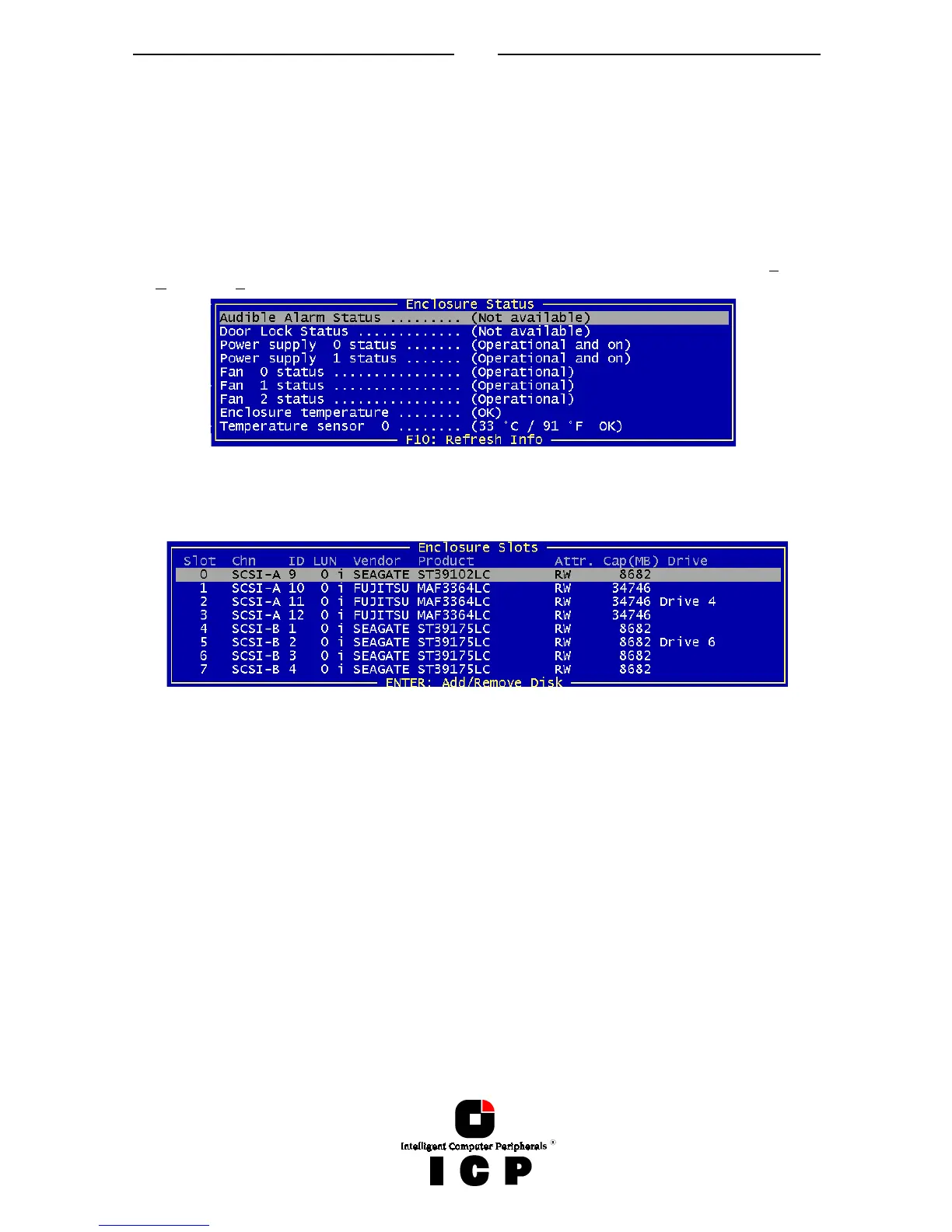
I.4.4.7 Menu Advanced Setup: Configure Phys. Devs., Enclosure Status
After selecting this option you can either view the Enclosure Status or view/configure the
enclosure slots. Before you can use the Auto Hot Plug with a SAF-TE subsystem, you first
have to configure the subsystem (more precisely it's intelligence, the so-called SEP - SAF-
TE Enclosure Processor).
To assign a specific hard disk to a SAF-TE enclosure slot, press ENTER on the empty slot
and choose one of the hard disks.
The next page shows a block diagram of a SAF-TE subsystem.



 To Next Page