59
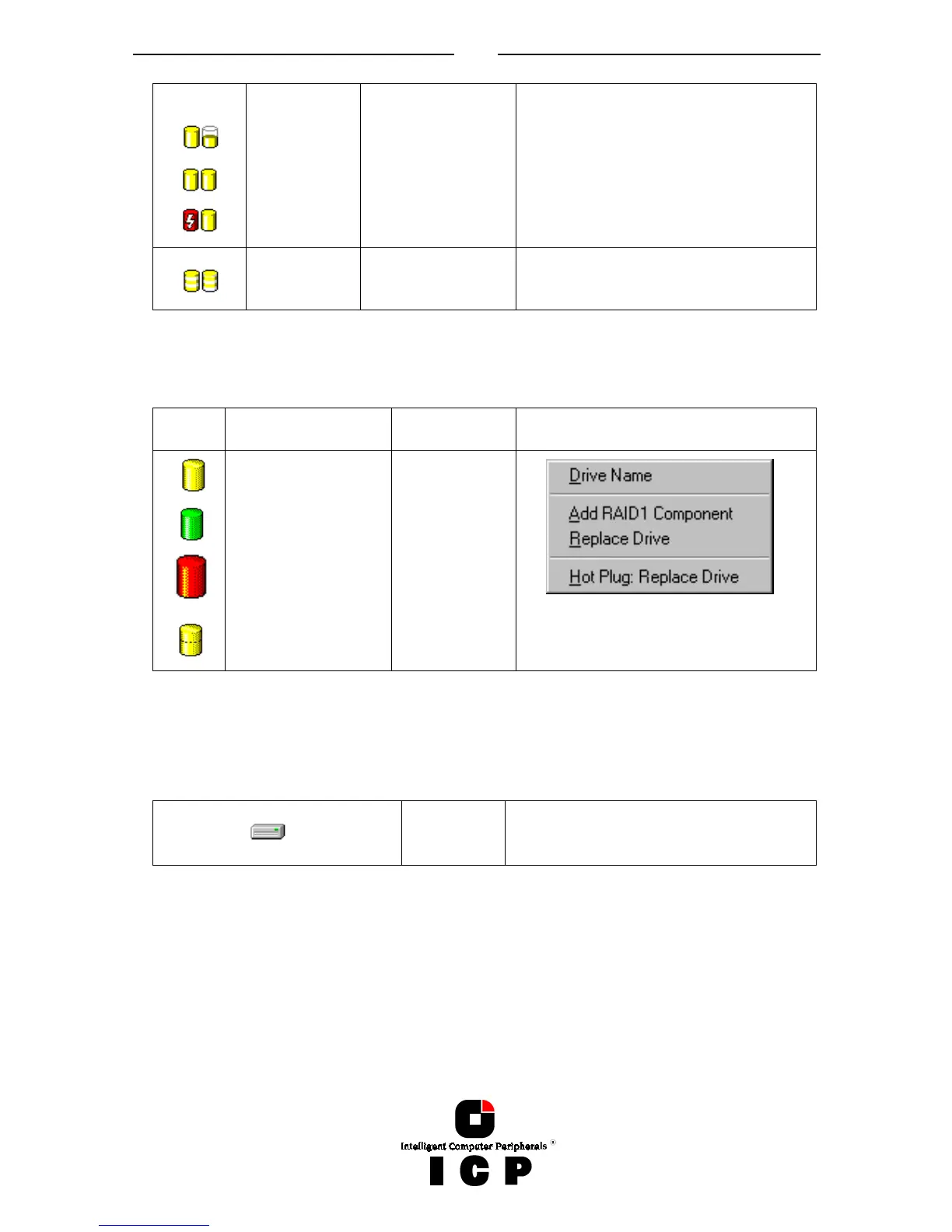
RAID 1
Build
Ready
Fail
RAID 0
Logical Drives
Logical Drives consist of one or more Physical Drives.
Icon Description double click
opens...
right click
opens...
Single Disk
Hot Fix Drive
Failed / missing
Hot Fix or Single
Disk
Chaining Drive
Logical Drive
Information
Physical Drives
These are the hard disks. You cannot change any settings here. If you want to change the
settings, you have to do this in the physical configuration window.
Physical
Disk
You can’t change the disk settings here.
Use the Physical Configuration window
instead.



 To Next Page