EasyManua.ls Logo

ICP iDRY iRDP CT 250 - User Manual

ICP iDRY iRDP CT 250
72 pages
Print Icon
To Next Page IconTo Next Page
Loading...
1
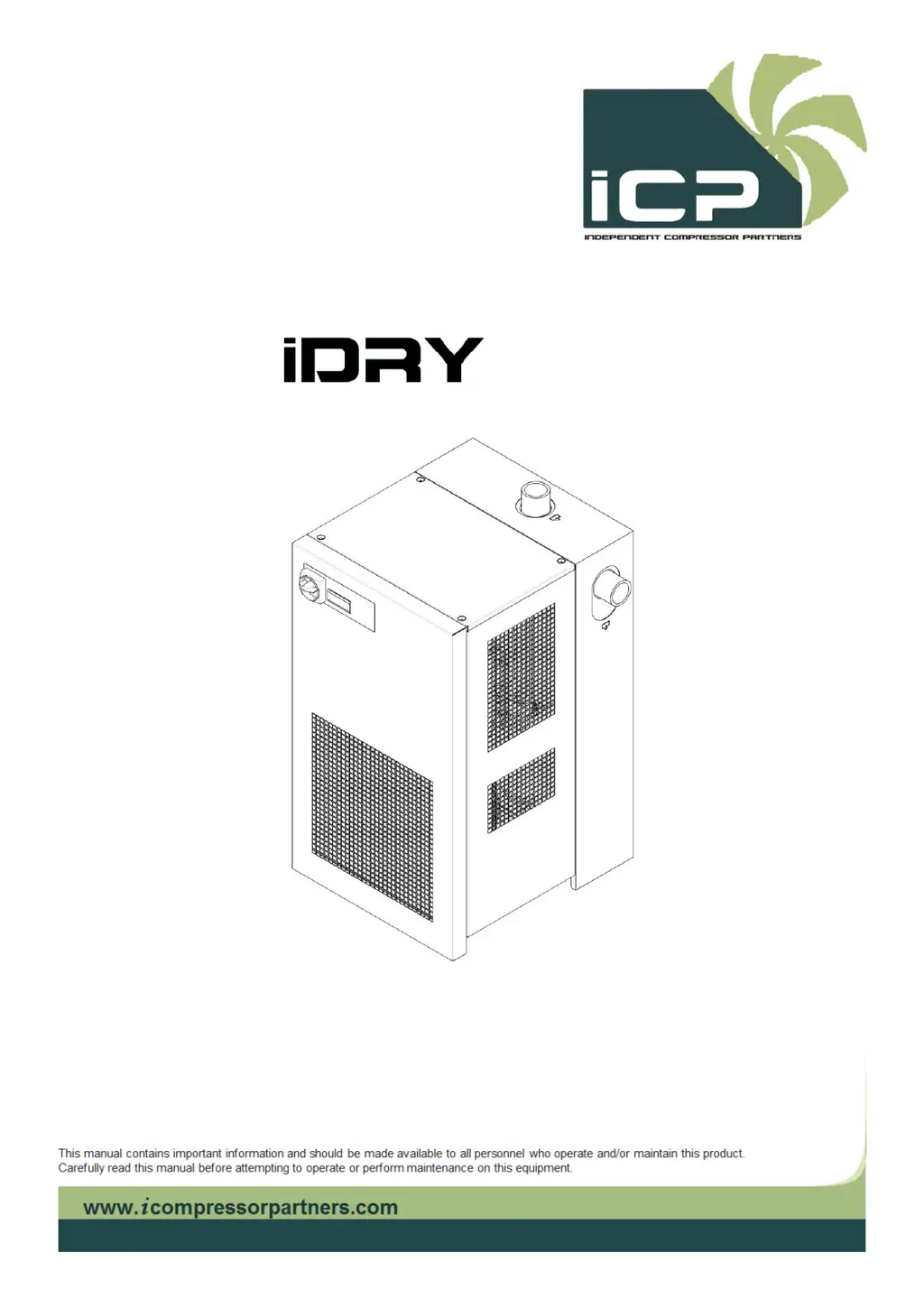
Compressed air refrigeration dryer
iRDP CT 20-500
Instructions for installation and operation english

Table of Contents

Questions and Answers

  • J
    James JacksonAug 15, 2025
    Why is the dew point too high on my ICP iDRY iRDP CT 250 Dehumidifier?
    • A
      Anthony BaxterAug 15, 2025
      A high dew point in your ICP Dehumidifier can be caused by several factors. The compressor may not be working, or the DewPoint probe T1 may not be correctly detecting the temperature, ensure the sensor is pushed into the bottom of probe well. The ambient temperature might be too high, or the room aeration might be insufficient, so provide proper ventilation. Other potential causes include the inlet air being too hot or at too low pressure; the inlet airflow rate being higher than the dryer's rate, reduce the flow rate and restore nominal conditions; or a dirty condenser, clean it. If ESS=YES, wait for the compressor to start, and the DewPoint will drop to a lower temperature.
  • M
    Mrs. Jennifer KingAug 21, 2025
    What to do if my ICP Dehumidifier fan of the condenser does not work?
    • D
      Derek NormanAug 21, 2025
      If the condenser fan on your ICP Dehumidifier isn't working, start by verifying the electric wiring. If you have an iRDP CT 200-500 3phase model, check for a blown fuse (FU1-FU2 on the electric diagram) and replace it, then check the dryer's operation.
  • D
    Debra RhodesAug 25, 2025
    What causes the internal heat protection of the compressor to activate in my ICP Dehumidifier?
    • J
      Jeffrey BatesAug 25, 2025
      The internal heat protection of the compressor in your ICP Dehumidifier might be activated due to several reasons. It could be due to excessive thermal load, so restore the standard operating conditions. The inlet air may be too hot, so restore the nominal conditions. Insufficient room aeration or high ambient temperature could also be contributing factors, so provide proper ventilation. Check if the condenser unit is dirty and clean it if necessary. Wait 30 minutes and then retry.
  • R
    Ronnie RiceAug 27, 2025
    What to do if the solenoid valve EVL or EVH doesn’t operate correctly on my ICP iDRY iRDP CT 250?
    • D
      danielscottAug 27, 2025
      If the solenoid valve EVL or EVH on your ICP Dehumidifier isn't operating correctly, first verify the electric wiring. If the solenoid valve is not activated but there is voltage to the coil, the coil may be faulty, so replace it. If the solenoid valve is always activated and there is always voltage to the coil, verify the electric wiring. If the solenoid valve is not activated and there is no voltage to the coil – the internal relay of DMC51 is faulty, replace DMC51. If the solenoid valve is always activated and there is always voltage to the coil – the internal relay of DMC51 is faulty, replace DMC51.
  • S
    stephensdianeAug 30, 2025
    What does it mean if the HPS high-pressure switch has been activated on my ICP iDRY iRDP CT 250 Dehumidifier?
    • A
      Alice PrattAug 30, 2025
      If the HPS high-pressure switch has been activated on your installed ICP Dehumidifier, it could be due to several reasons. The ambient temperature might be too high, or the room aeration might be insufficient, so provide proper ventilation. The condenser could be dirty, so clean it. Reset the pressure switch by pressing the button on the switch itself and check the proper operation of the dryer.
  • S
    Samuel BerrySep 2, 2025
    What does it mean if T2 installed compressor outlet temperature too high has been triggered on my ICP iDRY iRDP CT 250?
    • W
      William MoranSep 2, 2025
      If the compressor outlet temperature is too high on your ICP Dehumidifier, ensure that excessive thermal load is not the cause and restore the standard operating conditions. The inlet air could be too hot, so restore the nominal conditions. The ambient temperature might be too high, or the room aeration might be insufficient, so provide proper ventilation. The condenser unit could be dirty, so clean it. If the T2 sensor is faulty, replace it.
  • J
    jacobgaySep 5, 2025
    What does it mean if the LPS low-pressure switch has been activated on my ICP iDRY iRDP CT 250?
    • G
      Gary HarveySep 5, 2025
      If the LPS low-pressure switch has been activated on your installed ICP Dehumidifier, the pressure switch will reset automatically when normal conditions are restored, so check the proper operation of the dryer.
  • B
    Brian PalmerSep 8, 2025
    What does it mean if ESS=YES: the alarm (TOC) has been triggered on my ICP iDRY iRDP CT 250?
    • L
      Lauren KnoxSep 8, 2025
      If the TOC alarm has been triggered on your ICP Dehumidifier, ensure that the inlet air is not too cold, restore the nominal conditions. Also, make sure that the ambient temperature is not too low and restore the nominal conditions.
  • D
    Dr. Darlene LangSep 12, 2025
    How to troubleshoot if the display of DMC51 is not lit on my ICP Dehumidifier?
    • A
      antoniomanningSep 12, 2025
      To troubleshoot a DMC51 display that is not lit on your ICP Dehumidifier, verify that the system is powered and check the electric wiring. If installed, check if the HPS pressure switch has been activated. For iRDP CT 200-500 3phase models, check for a blown fuse (FU2 on the electric diagram) of the auxiliary circuit and replace it, then check the dryer's operation. For iRDP CT 200-500 3phase models, ensure the remote control is not OFF (check the contact on terminals 1-2 on the electric diagram).
  • M
    Mark NewtonNov 17, 2025
    What to do if the compressor on my ICP iDRY iRDP CT 250 does not work?
    • W
      William AndersonNov 17, 2025
      If the compressor on your ICP Dehumidifier isn't working, several factors could be the cause. If ESS=YES, the Dew Point displayed on DMC51 may be sufficiently low, wait for the temperature to become higher. Check the electric wiring. If installed, the KC relay may be faulty, replace it. Also, activation of the compressor internal thermal protection could be the reason, wait 30 minutes and then retry. If ESS=YES, running in low or no-load conditions and at mild/low ambient temperatures could be the reason, check that the DewPoint probe T1 correctly detects the temperature and ensure the sensor is pushed into the bottom of probe well. If the thermal insulation of DewPoint probe T1 is damaged, restore the thermal insulation. Ensure proper ventilation if the ambient temperature is too high, or...

Summary

Instructions for Installation and Operation

Safety Instructions, Pictograms, and Warnings

Essential safety advice, pictograms, and signal words for safe operation.

Technical Description of Dryer Systems

Functional Description of Operation

Detailed explanation of how the dryer operates in different modes.

DMC 51 Electronics and Operation Modes

DMC51 operation, parameters, warnings, alarms, and setup menu.

Installation Procedures

Optimal Installation Location and Conditions

Guidelines for selecting the best place for dryer installation, considering ambient conditions.

Correction Factors for Air Throughput Calculation

Factors to adjust calculated air throughput based on operating conditions.

Compressed Air System Connection

Instructions and safety precautions for connecting the dryer to the compressed air supply.

Electrical Connection Requirements

Guidelines for safe and correct electrical connections to the dryer.

Start-up and Initial Operation

Pre-Start-up Checks and Preparations

Preliminary steps and checks before initiating the dryer start-up.

Initial Start-up Procedure

Step-by-step guide for the first-time start-up and initial operation.

Maintenance, Troubleshooting, and Spare Parts

Routine Checks and Maintenance Schedule

Regular checks and maintenance tasks required for the dryer.

Troubleshooting Common Faults and Solutions

Guidance on identifying and resolving common operational issues and faults.

Recommended Spare Parts List

List of recommended spare parts for various dryer models.

Refrigeration Cycle Maintenance

Specific maintenance procedures related to the refrigeration system and refrigerant.

Appendices and Diagrams

Electric Diagram: iDRY IRDP CT 20-100

Wiring diagram for the iDRY IRDP CT 20-100 model.

Electric Diagram: iDRY IRDP CT 125-150

Wiring diagram for the iDRY IRDP CT 125-150 models.

Electric Diagram: iDRY IRDP CT 200-250

Wiring diagram for the iDRY IRDP CT 200-250 model.

Electric Diagram: iDRY IRDP CT 300-350

Wiring diagram for the iDRY IRDP CT 300-350 model.

ICP iDRY iRDP CT 250 Specifications

General IconGeneral
BrandICP
ModeliDRY iRDP CT 250
CategoryDehumidifier
LanguageEnglish

Related product manuals