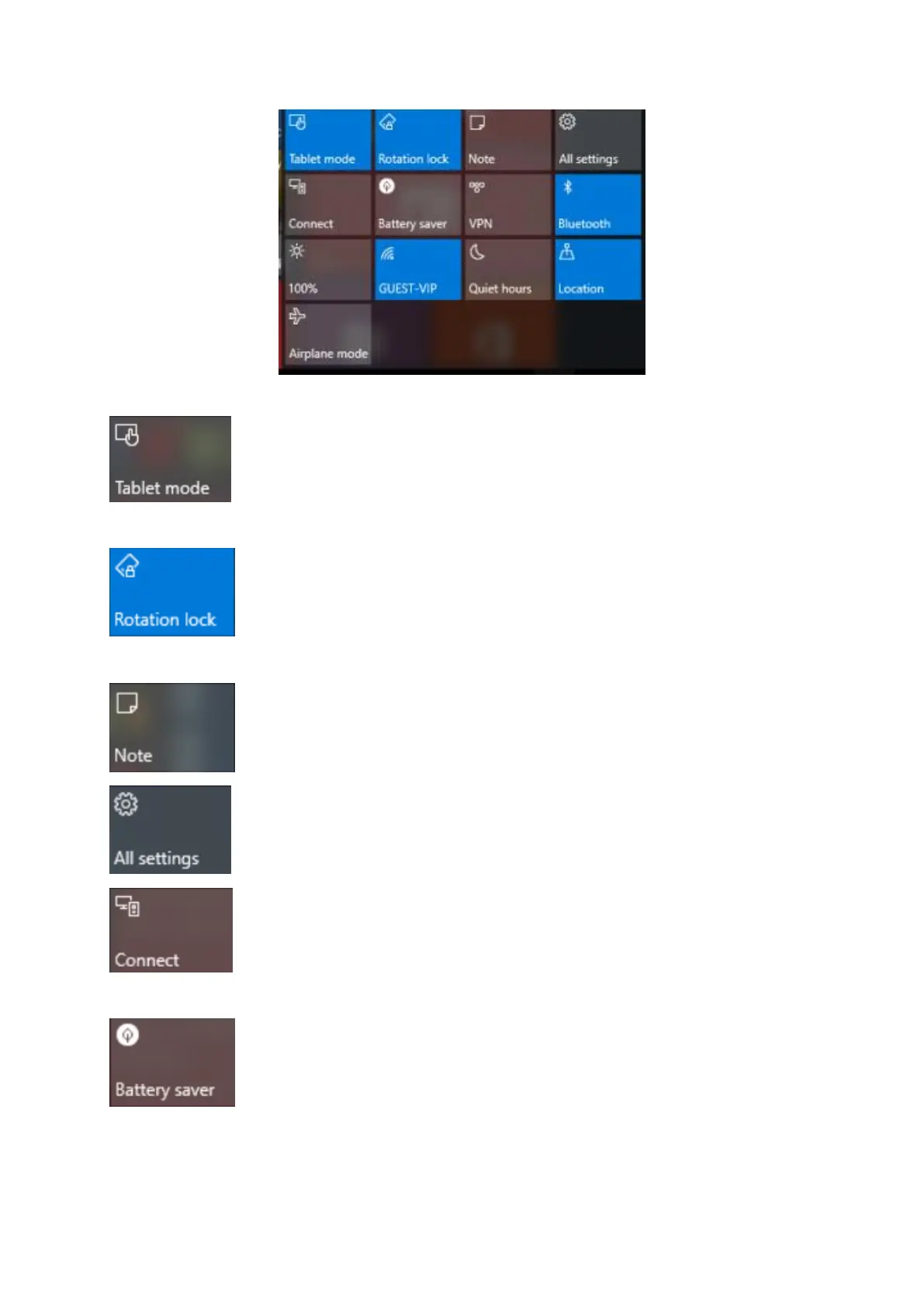
Lightly touch the ICON to turn ON/OFF the function.
Tablet mode : You can turn on tablet mode by lightly touching.
Rotation lock: Lock the screen that the screen will not rotation when you
tilting the tablet.
Note: Turn or turn off the note.
All settings: Touch to show All setting ICON to set your tablet.
Connect: To connect other equipment such as wireless display and audio
device from here.
Battery saver: Turn it on will let your tablet working longer time.


 To Next Page