Open up some Apps to better familiarize yourself with your new tablet.
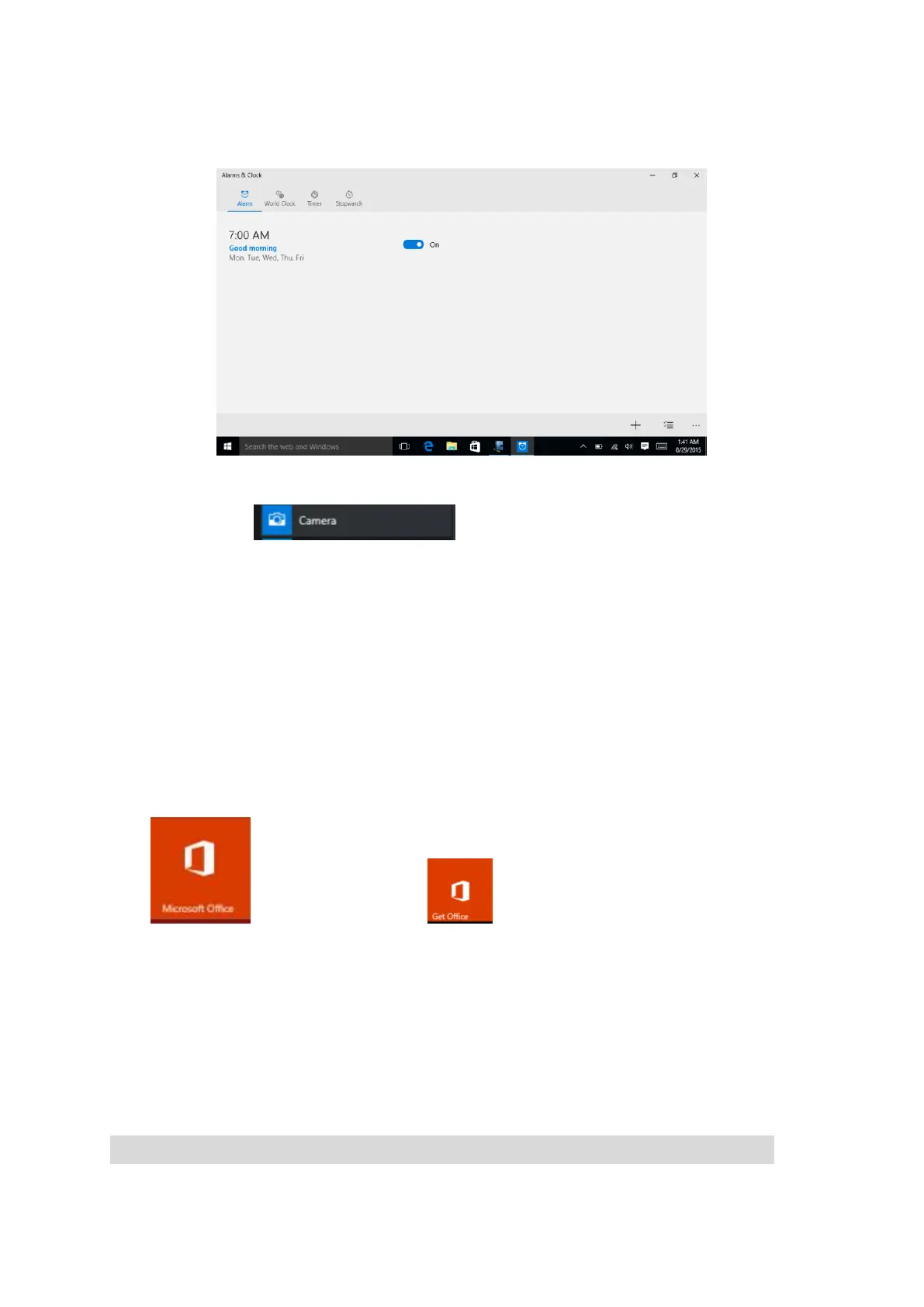
Tap the Alarm app to access your Alarm, World Clock, Timer, or Stopwatch.
Camera
Tap the camera app to take pictures and videos to share with your
friends and family.
Taking Photos:
Tap the camera icon to take a photo
Open setting charms located at top right corner for Camera Settings.
Recording Video:
Tap the video icon to turn to video mode
Tap video icon to start recording
To zoom pinch two fingers together on the screen.
Tap the video icon again to stop recording
Open setting charms located at top right corner for Video Settings
Microsoft office
Office: Touch the app begins get office, allow you to work on
office document including Word, Excel and Powerpoint. Login your Microsoft account (user
name & password) to activate.
Reset


 To Next Page