Turn on or Wake
To turn on your tablet, press and hold the power key for 3 seconds.
Once the screen loads, connect to your Wi-Fi network.
To wake, press the power button and the lock screen will appear. Swipe up to unlock and sign in.
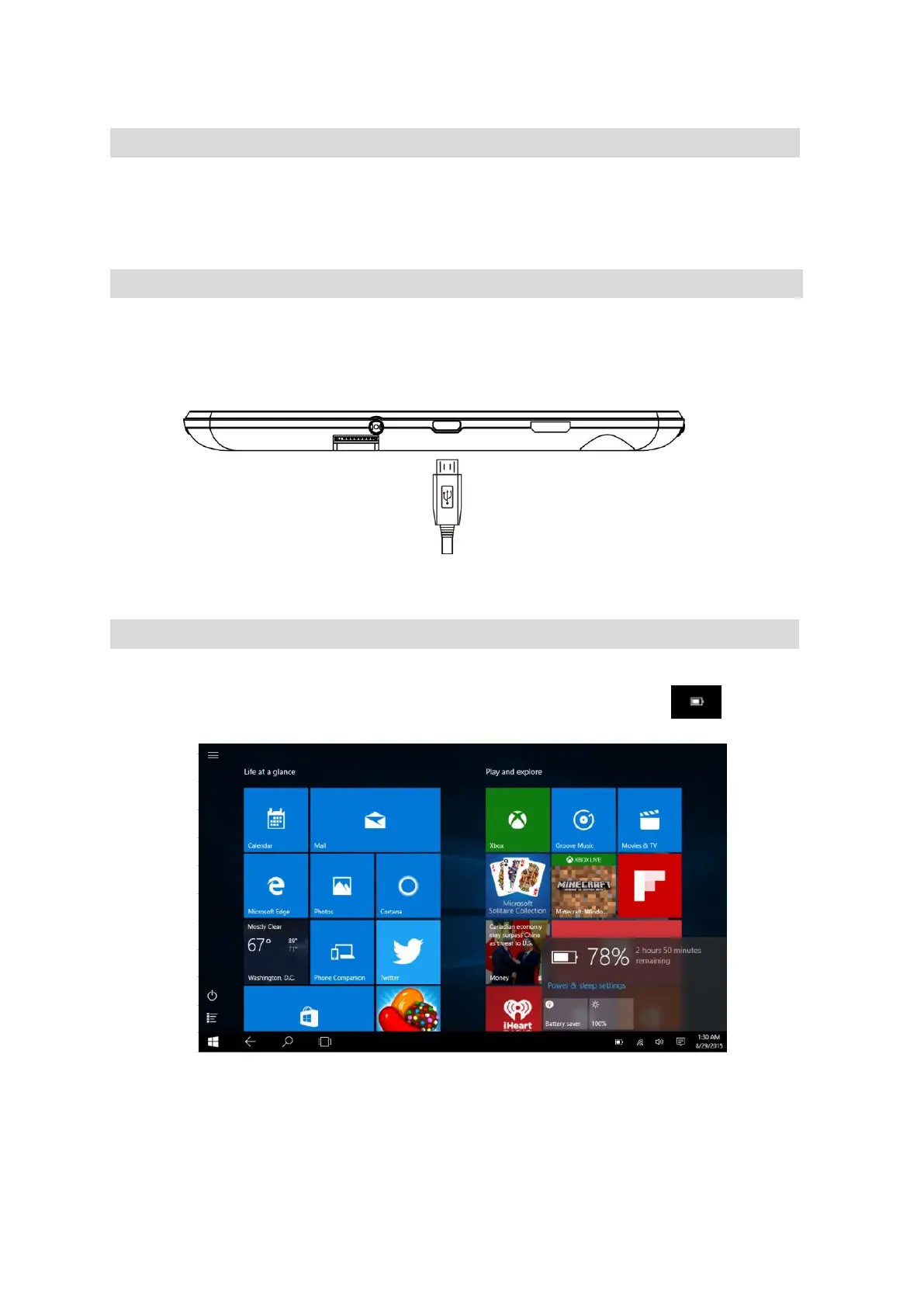
Charging
Fully charge your tablet for 6 hours before the first use.
Use the included wall charger, the battery indicator on right top corner (near front camera) will
show that your device is charging.
Attention: Charging by connecting to a computer will be extremely slow. We recommend only
using the included wall charger.
Battery Status
There are a few places you can check on your battery status:
The bottom right corner of the screen when you open charms. Touch the icon. Then
display:


 To Next Page