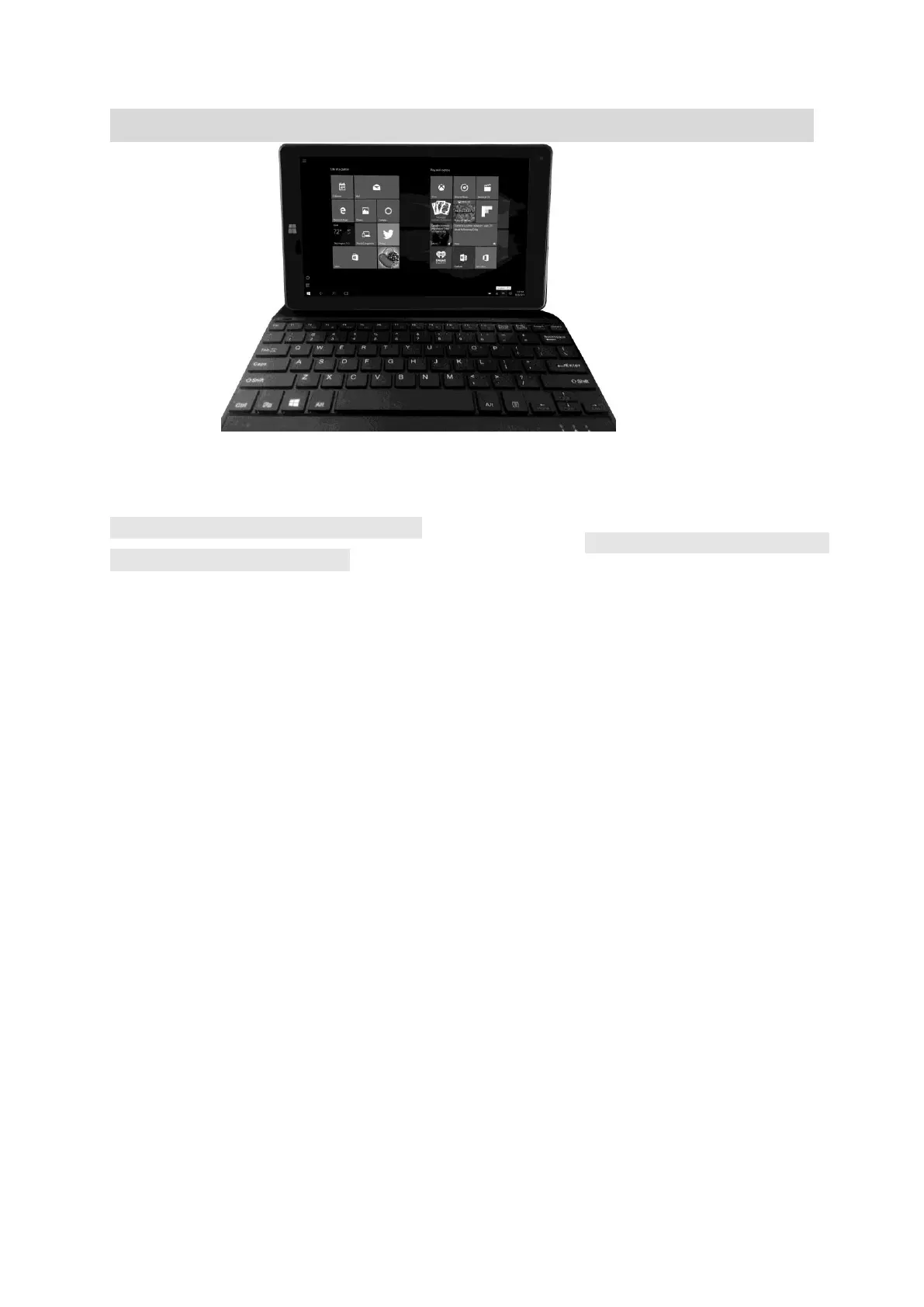
Keyboard
Operation:
1. Connect the docking pin from the Tablet to docking plug of Keyboard.
F (Function) Button’s assignment:
(Mainly for Microsoft Edge)
F1- Press Fn+ F1 for Microsoft voice assistant
F2-Rename
F3-Search File
F4-Select the Edge Address bar
F5-Refresh the Edge
F6-No Function
F7-Turn on Caret Browsing
F8-No Function
F9-No Function
F10-Press Shift + F10 for Operating Edge address list
F11-No Function
F12-Developer Tools


 To Next Page