4
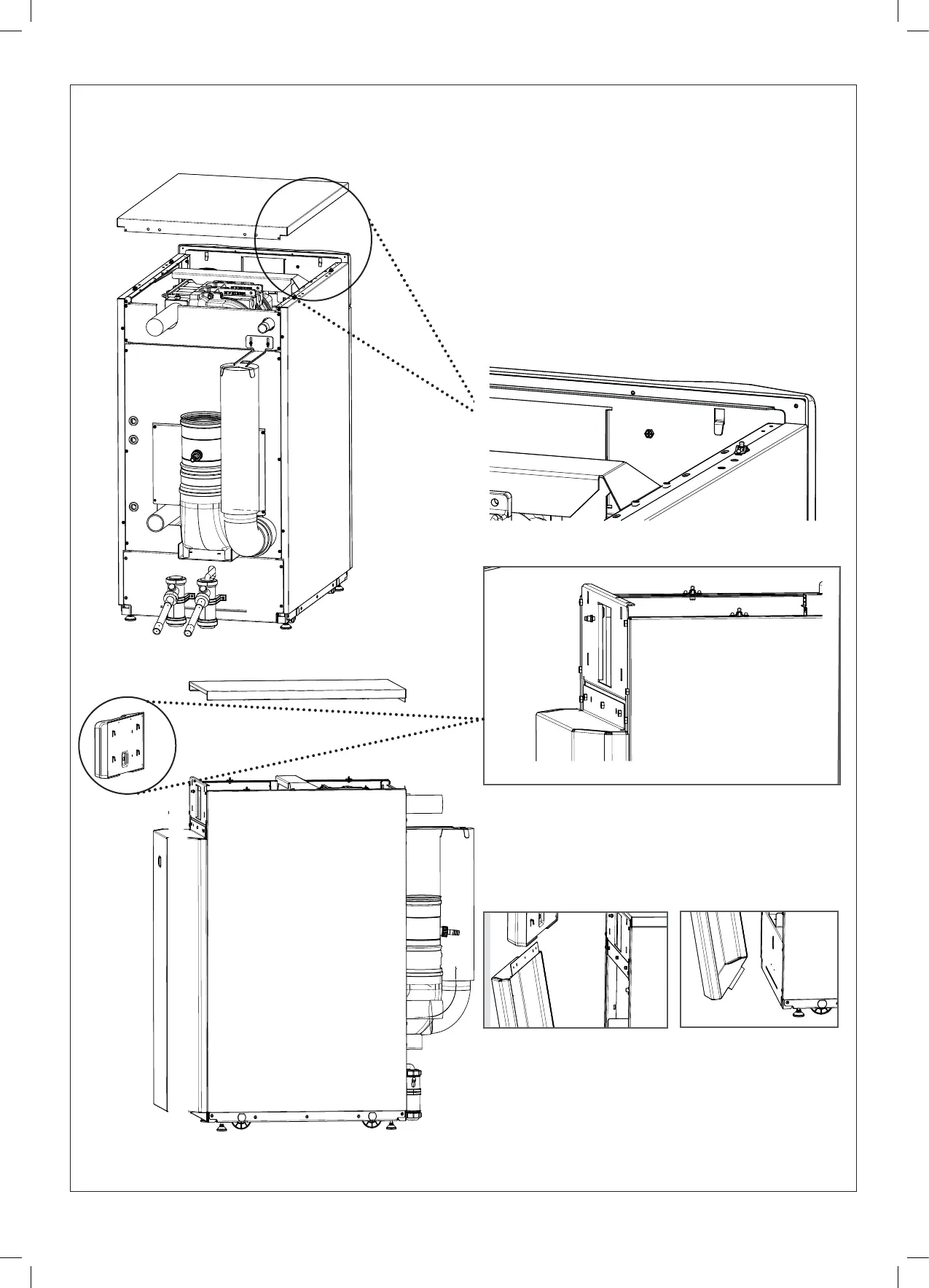
CASING REMOVAL AND ACCESS
Side Panels
4. On the side panel, undo the two screws at the rear and
two at the front.
Lift from the frame and remove.
Top Panel
1. Remove the two bolts at the rear of the top panel. Lift up
from side panel retention studs and remove.
Front Panel
3. Remove the 3 bolts along the top of the front panel. The
bolts are visible when the control pod is removed. Pull
the panel forwards at the top, lift out of bottom slot and
remove.
Control Pod
2. Remove the bolt at the rear of the control pod.
Disconnect the electrical harnesses from the rear.
Lift the pod up and remove.
CONTROL POD
REMOVAL
DETAIL
C
SCALE
1:5
CONTROL POD
REMOVAL (SCREW)
DETAIL
B
SCALE
1:5
SECTION 3.7
REMOVAL AND ACCESS
SECTION 3.8
FAN REMOVAL



 To Next Page