EasyManua.ls Logo

IDEAL INDUSTRIES 61-796 - User Manual

IDEAL INDUSTRIES 61-796
11 pages
Print Icon
To Next Page IconTo Next Page
Loading...
IDEAL INDUSTRIES, INC.
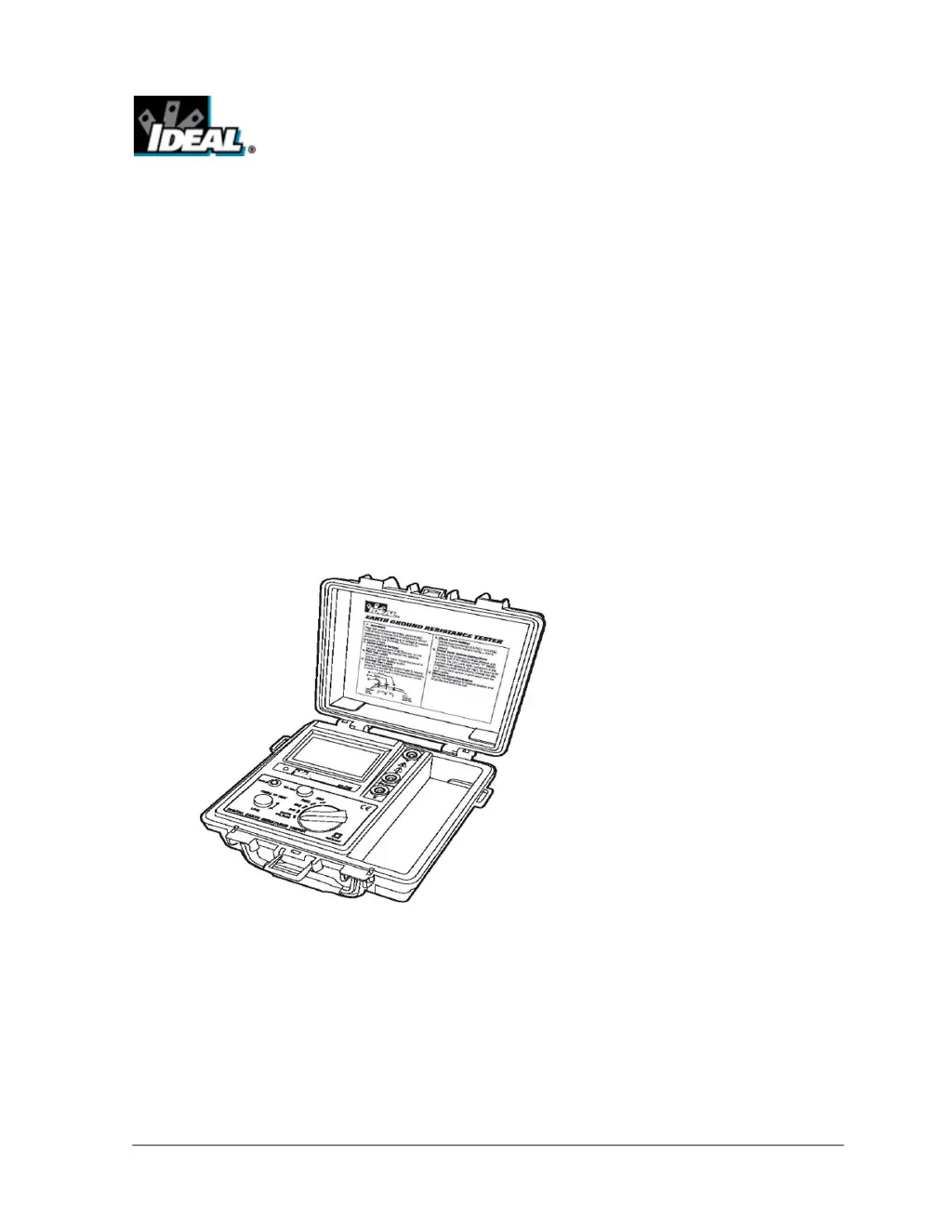
TECHNICAL MANUAL
MODEL: 61-796
The Service Information provides the following information:
Precautions and safety information
• Specifications
• Performance test procedure
• Calibration and calibration adjustment procedure
• Basic maintenance (Disassembly, Troubleshooting, Spare Parts list)
Form number: TM61796
Revision: 2. Date: May 2008
Form number TM61796 Rev 2 May 2008

Questions and Answers

  • O
    opetersAug 20, 2025
    Why does my IDEAL INDUSTRIES Test Equipment LCD have no display?
    • J
      Jennifer GarciaAug 20, 2025
      The LCD might not be displaying anything due to several reasons: * There might be no batteries installed; in this case, install the batteries. * The battery polarity might be faulty; ensure you install the batteries with the correct polarity. * The battery terminal could be oxidized; replace it with a new one. * A wire might be broken; solder the wire. * Q1 or Q8 might be broken; replace Q1 (IC-7809FA) or Q8 (IC- 78L05). * There might be poor contact of the battery harness; replace the battery contacts. * The battery capacity might be insufficient; replace the batteries.
  • T
    Tammy DodsonAug 22, 2025
    What to do if my IDEAL INDUSTRIES 61-796 ACV has no reading?
    • J
      James SimpsonAug 22, 2025
      If your ACV isn't showing a reading, it could be due to a few reasons: * C21 or Z2 might be broken; replace C21 (CPE-22uF) or Z2 (TVS- 6.5CA). * The fuse might be broken; replace it. * U14 might be broken; replace U14 (IC-062).
  • C
    cdonaldsonAug 25, 2025
    What causes unstable readings on IDEAL INDUSTRIES 61-796?
    • K
      Kelsey ClarkAug 25, 2025
      Unstable readings can occur if U21 or CON2 are broken. Replace U21 (IC-5106Q) or CON2 to resolve this.
  • N
    Nicholas JohnsonAug 26, 2025
    How to fix unclear LCD on IDEAL INDUSTRIES Test Equipment when measuring?
    • R
      Ronald JonesAug 26, 2025
      If the LCD is unclear during measurement, it might be because U4 or U21 is broken. Replace U4 (IC-27M2) or U21 (IC- 5106Q) to resolve this issue.
  • A
    aaronguerreroAug 28, 2025
    What does it mean if my IDEAL INDUSTRIES 61-796 Test Equipment ACV reading is abnormal?
    • M
      Mark VegaAug 28, 2025
      An abnormal ACV reading indicates that a diode is likely broken. Replace the diode to fix this issue.
  • M
    Michelle WebbAug 30, 2025
    What to do if my IDEAL INDUSTRIES 61-796 shows "1" reading?
    • W
      whiteaprilAug 30, 2025
      If the reading shows “1”, it could be due to: * A broken power transformer; replace the power transformer (PT-1505). * A broken L2; replace L2 (IND-254K). * A broken U4; replace U4 (IC-27M2).
  • T
    Tina PattersonAug 31, 2025
    Why does my IDEAL INDUSTRIES 61-796 Test Equipment Hz have no reading?
    • S
      Sarah HarrisAug 31, 2025
      If there is no reading for Hz, the cause may be: * A broken power transformer; replace the power transformer (PT-1505). * Broken C6 or C10; replace C6 (CPE-220uF) and C10 (CDM- 1uF).
  • T
    thomas66Sep 2, 2025
    What causes incomplete digits on IDEAL INDUSTRIES 61-796?
    • S
      stacyjamesSep 3, 2025
      Incomplete digits are caused by a broken U21. Replace U21 (IC-5106Q) to resolve this.
  • M
    Mary JonesSep 5, 2025
    What to do if IDEAL INDUSTRIES 61-796 ACV shows 0 (no test)?
    • V
      vhodgesSep 5, 2025
      If the ACV shows 0 (no test), it means Z2 is broken. Replace Z2 (TVS-6.5CA).
  • C
    chanchristySep 7, 2025
    What causes a vague font on my IDEAL INDUSTRIES 61-796 Test Equipment?
    • T
      Tracy WoodardSep 7, 2025
      A vague font is caused by a broken U4. Replace U4 (IC-27M2) to solve this.

Summary

Precautions and Safety Information

The Symbols

Explains symbols used in the manual and on the meter for clear understanding.

SAFETY

General Specifications

RANGES and ACCURACY SPECIFICATION

Details measurement ranges, resolution, and accuracy across different functions and conditions.

Required Standards and Equipment

PERFORMANCE VERIFICATIONS

Outlines necessary test equipment and procedures to verify meter functionality and accuracy.

AC Voltage Test

Disassembly Instructions and Setup for Calibration

Calibration

ACV Adjustment

Adjust VR6 on the circuit board to set the AC voltage reading accurately at specified levels.

Frequency Adjustment

Adjust VR1 to set the output frequency for the meter's 20Ω range.

Ω Adjustment

Ω Calibration Verification Test

Verify resistance calibration by checking readings against specified values in Table 3.

Troubleshooting

Spare Parts List

IDEAL INDUSTRIES 61-796 Specifications

General IconGeneral
BrandIDEAL INDUSTRIES
Model61-796
CategoryTest Equipment
LanguageEnglish