H
N
Selectable Auto Power Off (APO) Feature
The meter automatically powers itself down after about 30 minutes of no use. Press any
button, and the meter will wake up and display the last reading taken before power down. This
feature can be overridden by holding the Range ( ) button while turning the function switch
from Off to any other position. When APO is defeated, the “APO” will be removed from the
display. Turning the meter off will restore the APO default.
Backlight
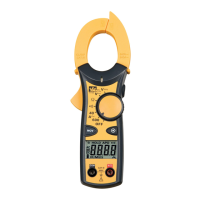
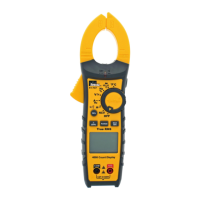
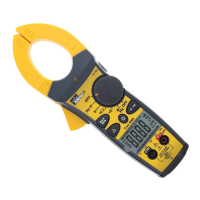
Press the button in the middle of the meter to turn
the backlight on and off. The green backlight will remain
lit for about 4.5 minutes before it automatically turns off
to conserve battery power. Also, the TightSight™ bottom
display only lights while the meter is in the Amp function
to minimize battery drain.
Note: Backlight consumes 4x the battery power.
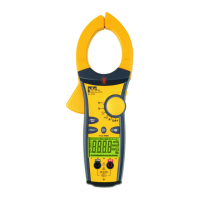
Measuring AC Current (Amps):


 To Next Page