i-MARK 2 / i-MARK 3
USER MANUAL
VISIBILITY DELIVERED. PAGE 38 OF 55
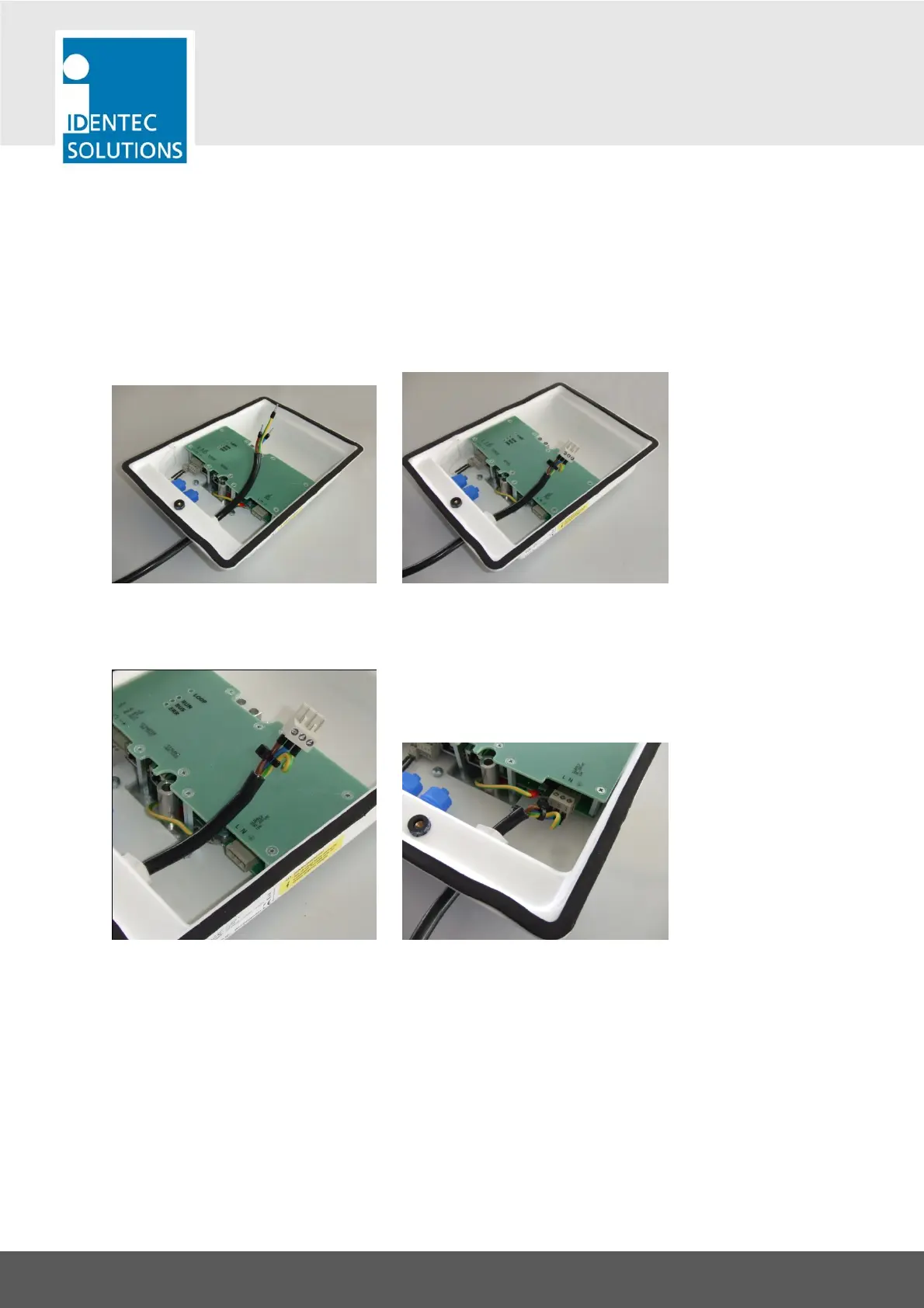
Now insert the cable through the cable gland and mount the screw terminal connector.
Link the wire ends together close to the screw terminal. This shall protect loose wires leading
hazardous voltage from touching other parts in the casing. A cable strap can be used for this purpose.
Plug the screw terminal into the connector on the PCB. Now gently pull back the mains wiring until
there is no strain to the plug connection. Keep the mains wiring cable length inside the casing as short
as possible. Finally fasten the cable gland tightly.



 To Next Page