User Manual
Page 17
ID station User Manual
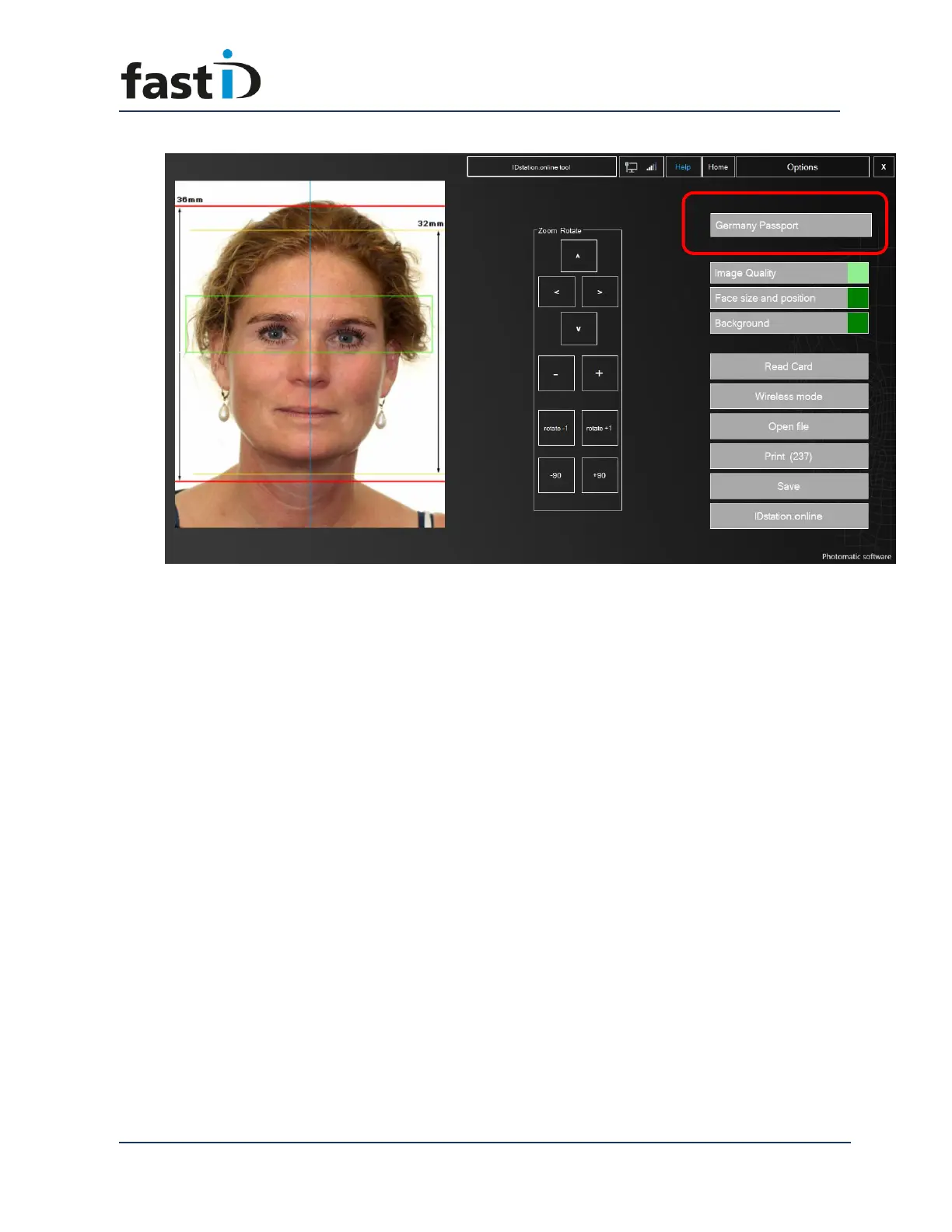
You’ll see the different face size and position. Also the size of the passport photo
has changed to 35x45 mm. If you click on Print you will see that the Print Preview
has also changed to a different layout. It’s all done just by selecting another
country template!
If the background color is rejected (because it’s white and the country template
specifies it should be gray) you will see a red box. Click on it and you will start the
Background tool.


 To Next Page