User Manual
Page 9
ID station User Manual
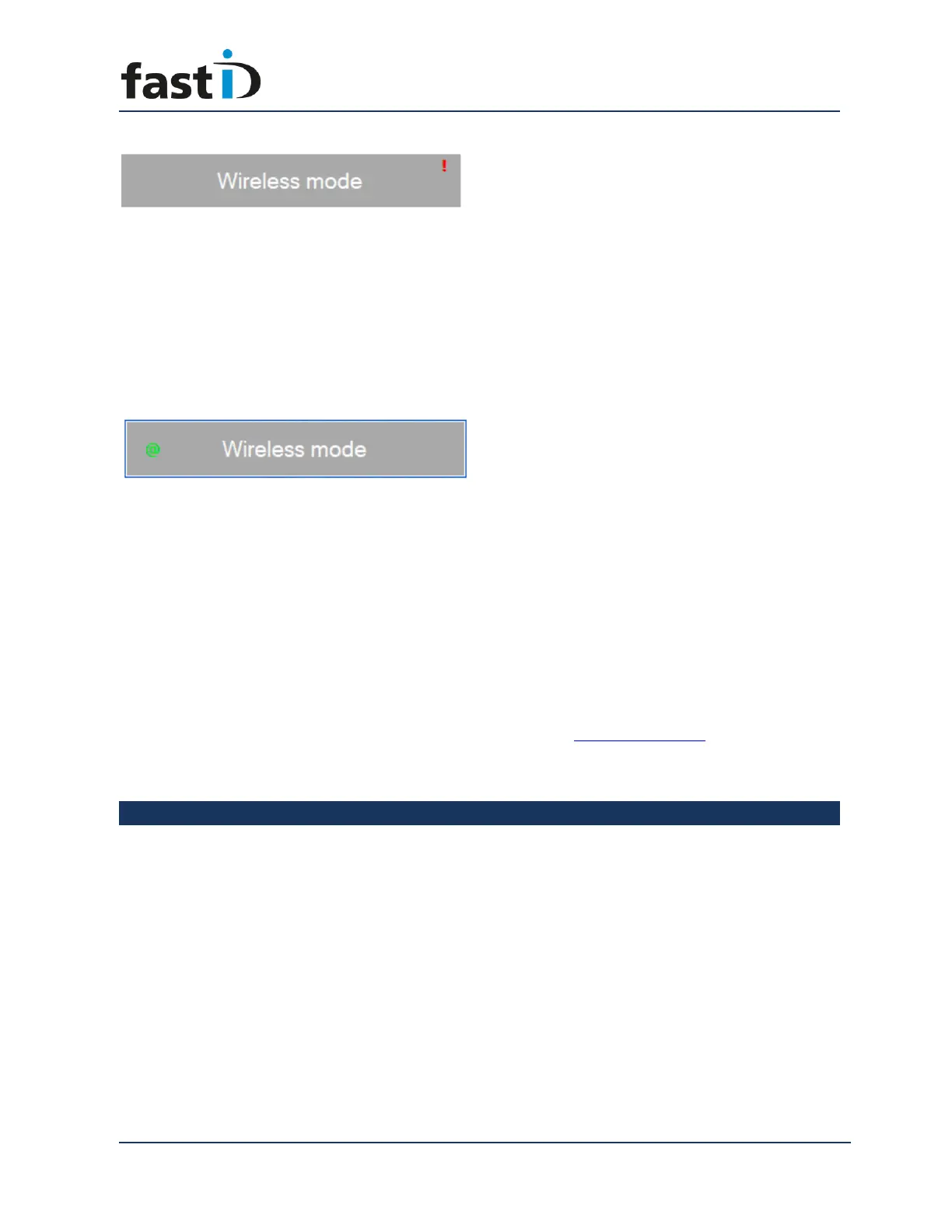
If you are seeing a red exclamation mark on the “Wireless mode” button the fastID
console is not connected to the Camfi controller! Before you can start taking pictures
you need to make sure your fastID tablet is connected to the Camfi controller. The
easiest way to do this is to click on the button. The software will now try to connect to
the Camfi controller. If the connection is made, you will see this:
Now you can start taking pictures. Every picture you take will appear on screen
automatically. Just click on a preview to select it for processing.
Wireless picture transfer is very nice but it does require some knowledge of how
wireless connections work in general. Please remember that whatever happens you can
ALWAYS take out the card from your camera and insert it into the card reader which is
part of your fastID. This also works if you are using Camfi.
If you are interested in the other options please refer to the www.fastid.photo website
and check out the various Videos and How to manuals.
Chapter 4. The software will process the picture
Once you have selected a picture the Photomatic software will process it for the
Country you selected. Please wait while the software automatically turns the picture
into a passport photo and subsequently runs a full check!
The biometric engine will automatically detect the face and eyes and will generate a
perfectly aligned passport photo. The result is shown with an “Overlay” on top of it that
will help you to check the face size and position.


 To Next Page