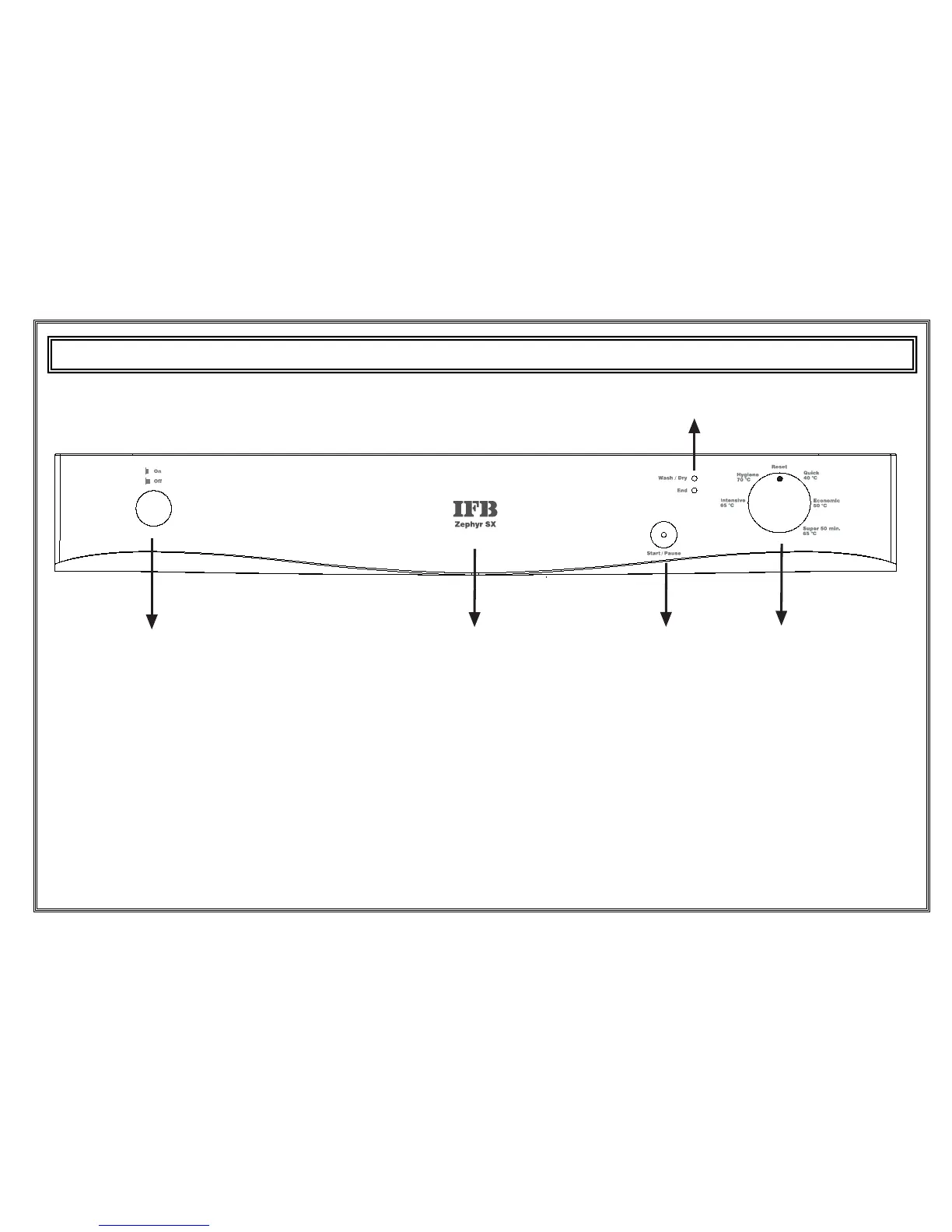
1.) Power On/Off Button
When the Power On/Off button is pressed, the lamp on the
Start/Pause button starts lighting.
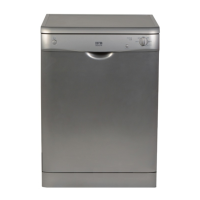
2.) Door Handle
The door handle is used to open/close the door of your
machine.
3.) Start/Pause Button
Once you press the Start/Pause button, the programme you
selected with the programme selector button will start running
and the status indicator lamp “wash/Dry” will light up.
In the stop condition while wash led is On, Start/Pause led will blink.
4.) Programme selector knob
With the programme selector knob, you can select a suitable programme
for your dishes.
5.) Wash-Dry / End-of-cycle indicator
You can monitor the programme status with the help of ‘wash/Dry’ and
‘end’ indicators.
• Wash/Dry
• End


 To Next Page