EasyManua.ls Logo

iFetch Automatic Ball Launcher - iFetch Quick Start Guide; iFetch Package Contents; Understanding the iFetch Button; Online Resources for iFetch

iFetch Automatic Ball Launcher
16 pages
Print Icon
To Next Page IconTo Next Page
To Previous Page IconTo Previous Page
Loading...
Quick Start
Getting started
with
the
iFetch is fast
and
easy!
Before
setting
up
your
iFetch, visit
our
website
to
see
safety reminders
and
training
tips
at:
www.goifetch.com/training-tips
1.
Plug
the
wall
adapter
into
the
back
of
the
iF
etch
and
then
into
the
wall.
Or
For battery operation,
open
the
compartment
on
the
bottom
of
the
iFetch
and
install 6 C batteries.
2.
Push
the
button
on
the
back
of
the
iFetch
and
drop
a ball
in. Have fun!
Now
you're
ready
to
enjoy
your
iFetch!
Find
us
online
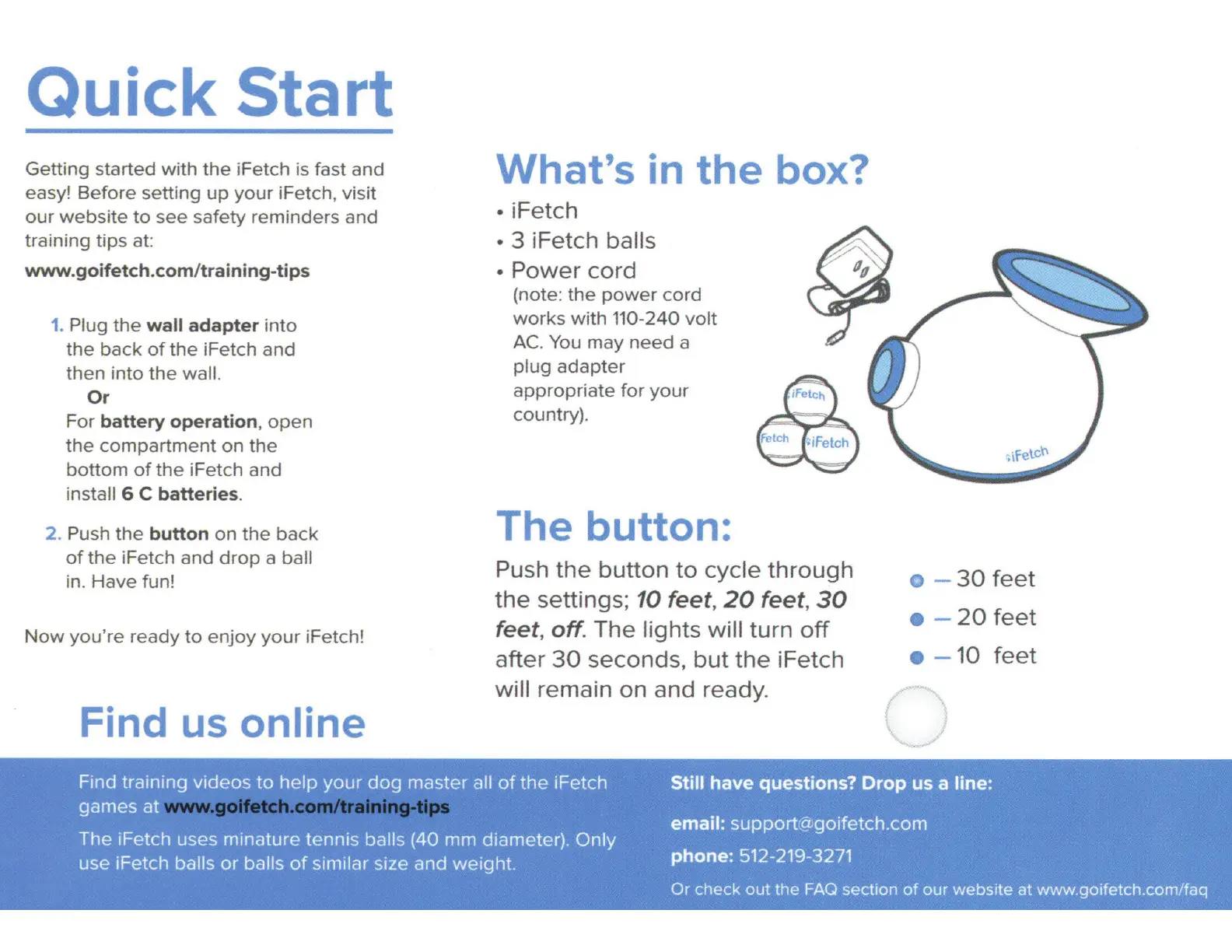
What's in
the
box?
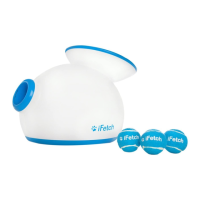
iFetch
• 3 iFetch balls
·Power
cord
(note:
the
power
cord
works
with
110-240
volt
AC.
You
may
need
a
plug
adapter
appropriate
for
your
country).
The button:
Push
the
button
to
cycle
through
the
settings; 10 feet,
20
feet,
30
feet, off. The lights will turn
off
after
30
seconds,
but
the
iFetch
will remain
on
and
ready
.
o -
30
feet
•-
20
feet
- 10
feet
II
Find training
videos
to
help
your
dog
master all
of
the
iFetch
games
at
Still
have
questions? Drop us a line:
email:
support
@
goifetch.com
phone: 512-21
9-327
1
The iFetch uses
minature
tennis balls (40 mm diameter).
Only
use iFetch balls
or
balls
of
similar size and weight.
Or
check
out
the
FAQ section
of
our
website
at
www
.goifetch.com/faq

Related product manuals