4
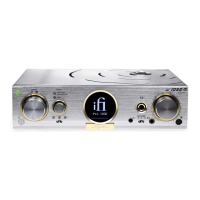
1. LED
Green: Warming Up
White: Solid-State Mode
Orange: Tube Mode
Red: Protection Mode
2. Standby/Power
3. Input selector
Use the selector to ’cycle’ through the following input options:
Also available via the input selector are:
- WiFi/Ethernet/Hard Disk/Micro SDHC
- Device USB (connect to a computer)
- Coaxial/Optical Digital Input
- XLR Digital Input
- BNC Digital Input
- Brightness (press to adjust)
- Polarity (hold to adjust)


 To Next Page





