3
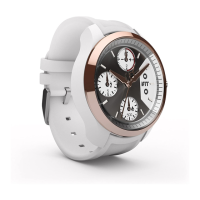
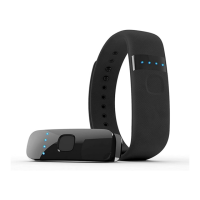
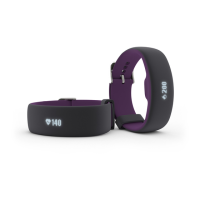
1. Install the iFit app on your iOS® or Android™ device and set up the activity tracker.
Use the iFit app to set up an iFit account, pair and set up the activity tracker, customize settings for the activity tracker,
set goals, and enter and track information. See INSTALL THE IFIT APP AND SET UP THE ACTIVITY TRACKER on
page 4.
2. Learn how to charge the activity tracker.
Charge the activity tracker with the included charger. See CHARGE THE ACTIVITY TRACKER on page 6.
3. Learn how to wear the activity tracker.
Wear the activity tracker. See WEAR THE ACTIVITY TRACKER on page 7.
4. Learn how to use the activity tracker.
Use the activity tracker to track and sync calorie information, steps, distance, sleep, and exercise activity to the iFit
app. See USE THE ACTIVITY TRACKER on page 8.
Getting Started


 To Next Page