IO-Link Master with Modbus TCP Interface DataLine 4 Ports IP 65 / IP 66 / IP 67
>
9.2.3 Configure IoT interface
33888
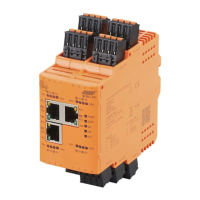
Via the IoT interface the AL1340 wil be integrated in the IT network.
Substructure: iotsetup
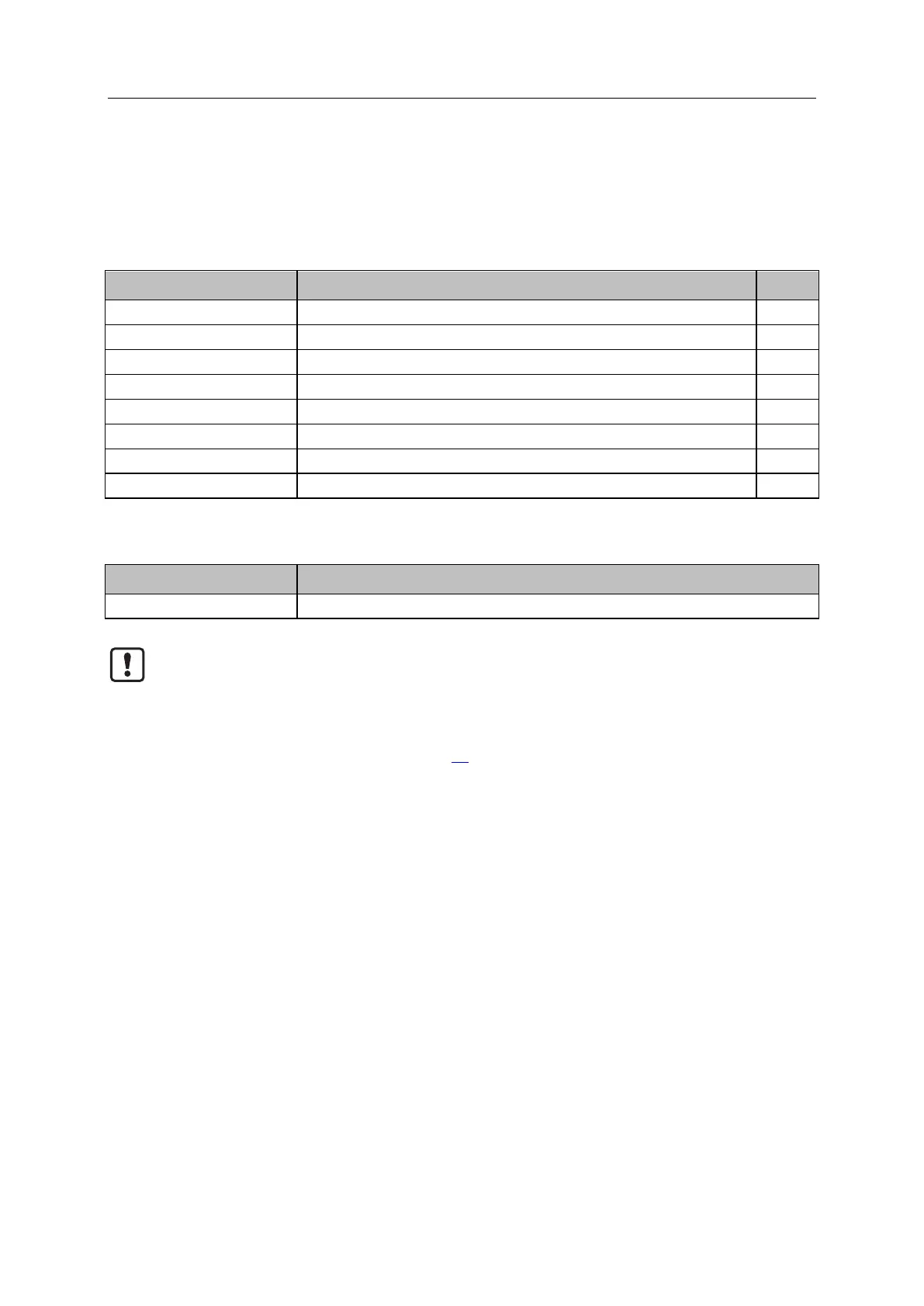
Avalable data points:
Access rights to the IO-Link master
IP address of the LR SMARTOBSERVER
Port number of the LR SMARTOBSERVER
Cycle time for data transmission to LR SMARTOBERVER (value in milliseconds)
Configuration of the IP settings of the IoT port
IP address of the IoT port
Subnet mask of the network segment
../network/ipdefaultgateway
IP address of the network gateway
rw ... read and write
Applicable services:
Write all values of the substructure at once
If the parameter [Access rights] is set to [Modbus TCP + IoT] using IoT and Modbus TCP
projection, then the parameter values set in the Modbus TCP projection software apply.
If the parameter [Access rights] is set to [IoT only] via IoT, then set the parameter [Access
rights] to [Keep settings] in the Modbus TCP projection software.
Changes of the parameter [Access Rights] are only effective after restarting the device
(→ Firmware: Reboot the device (→ S. 36))


 To Next Page