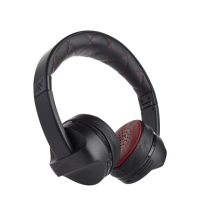
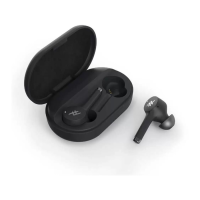
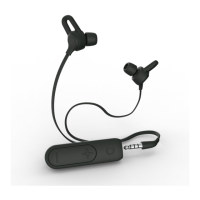
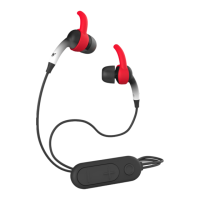
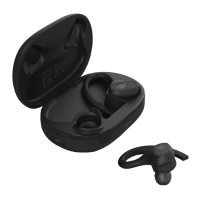
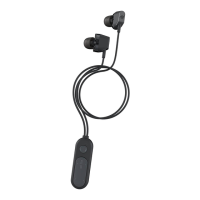
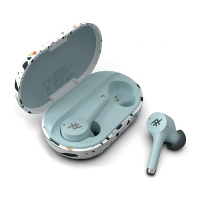
The iFrogz FreeRein earbuds are the perfect solution for hands-free, premium
quality music everywhere you go. They connect to your favorite devices wirelessly
via Bluetooth® and deliver crystal clear music and calls.
The FreeRein earbuds are ready to go right out of the box, with about 80% battery life.
Getting started is as simple as 1, 2, 3.
1. Press and hold the Play button for five seconds to turn the earbuds on
and pair them.
2. Turn on your favorite, Bluetooth-enabled audio device and access its
Bluetooth settings.
3. Pair the FreeRein earbuds with your device (the earbuds will show up as
iFrogz FreeRein), and enjoy over three hours of amazing sound, without
bothersome cords (charge to 100% capacity for longer play time).
Continue reading these instructions for information on controlling your music,
taking calls, and pairing. Keep these instructions for future reference.
Getting Started


 To Next Page