EasyManua.ls Logo

Igel UD7 Series - User Manual

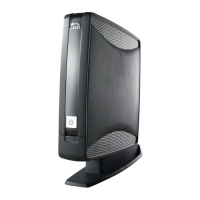
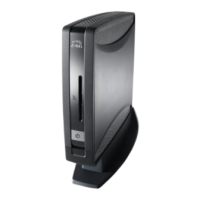
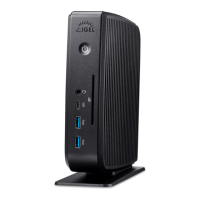
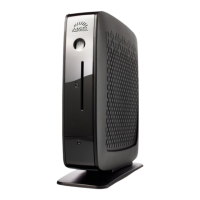
Igel UD7 Series
2 pages
Print Icon
To Next Page IconTo Next Page
Loading...
RoHS
compliant
Recycled
Paper
Features
Maximum performance. z
Digital output for up to four monitors. z
Integrated Smartcard reader (optional). z
Connectivity Foot (optional). z
Benefi ts
Strong processor and graphics capability. Enough horsepower z
to drive multiple digital service clients, any multi-media, custom
embedded applications and Digital Service Virtualization.
Display large amounts of information in a small space. Highly
z
confi gurable so each monitor can act independently or as a frame
on a larger window
Excellent for highly secure two factor authentication, shared
z
desktops or roaming users wanting sub-10 second application
start using Citrix Hot Desktop.
Expand your device with WiFi and/or a parallel port.
z
UD7 Series
Compliance
CE, FCC, UL, CUL, TÜV/GS, WEEE, RoHS
Profi le
A powerful and expandable hardware platform.
Custom designed for the most demanding
quad-screen graphics environments. Only
available with the Advanced Digital Service Pack.
Question and Answer IconNeed help?

Do you have a question about the Igel UD7 Series and is the answer not in the manual?

Igel UD7 Series Specifications

General IconGeneral
BrandIgel
ModelUD7 Series
CategoryDesktop
LanguageEnglish

Summary

UD7 Series Profile

UD7 Specifications Overview

System and Memory Details

Information on operating systems, management, form factor, processor, chipset, RAM, and flash memory.

Graphics and Connectivity

Details on graphics chipset, video memory, output ports, resolutions, network, and audio interfaces.

Physical and Power Specifications

Includes dimensions, environment details (cooling, noise, temp, humidity), power input, and supply.

Device Options and Interfaces

Lists optional features like Connectivity Foot, Smartcard Reader, and USB adapters for connectivity.

Related product manuals