Get the App
Network Connection
Step 1
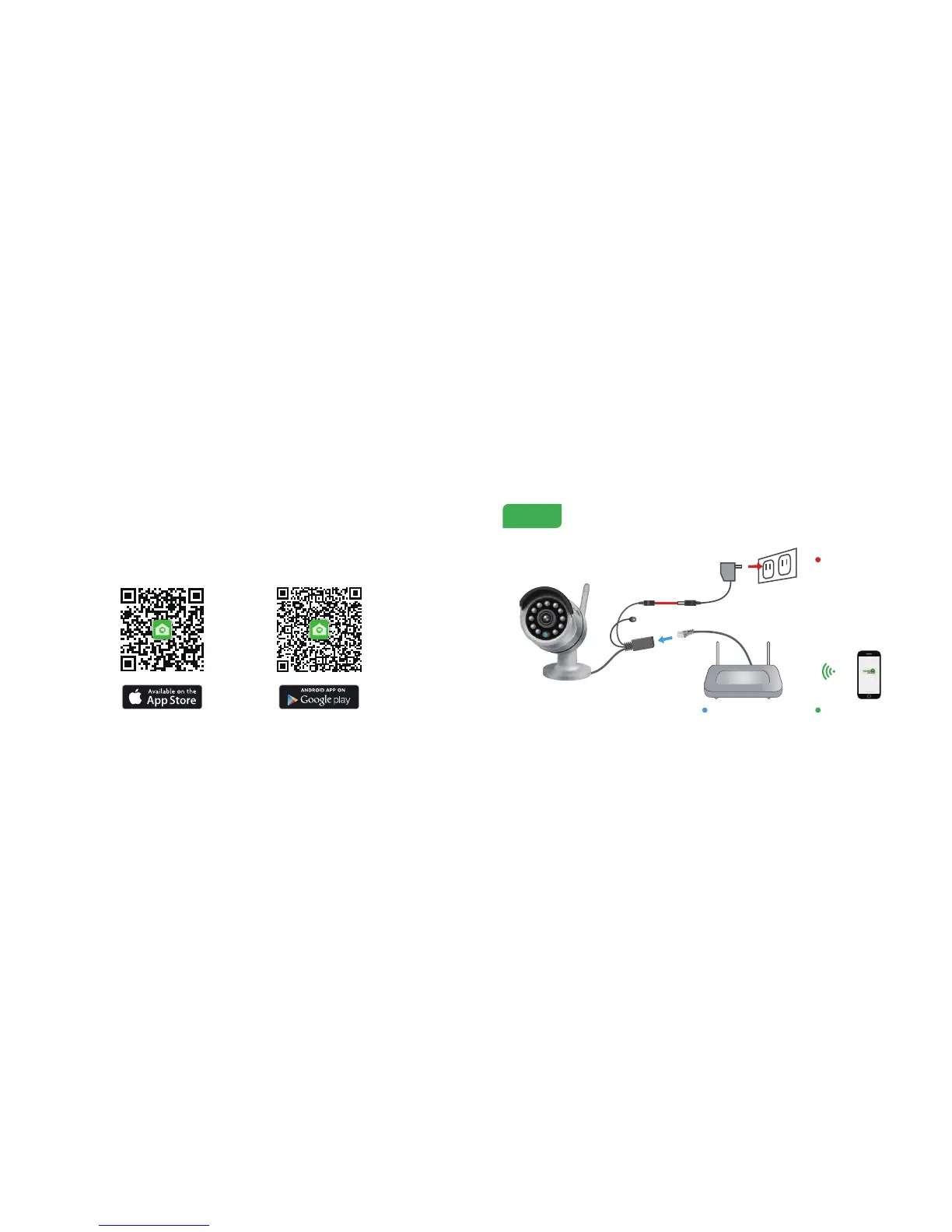
For the best experience, download the Homeguardcare app for your smartphone by scanning the QR code below or searching for
“Homeguardcare” in the app store.
6 7
Connect the camera to your
router using an Ethernet cable.
Connect the AC adapter to your
camera and plug it in.
Make sure you are within range
of the same Wi-Fi network you'll
use for your camera.


 To Next Page