30
Keypad Disabled Mode
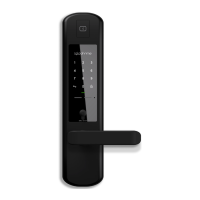
Keypad Disabled Mode prevents others from using PIN code, RFID tag/stickers and
Fingerprints to unlock when you are inside the property. It can be activated when the
mortise is locked.
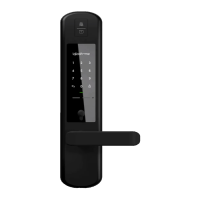
Note: Bluetooth, Multi-Function Button, Handle and Physical Key can be used to unlock in
this mode.
2
Passage Mode
Passage Mode enables you to have easy access during high human trac flow by
deactivating auto relock. It can be activated when the mortise is unlocked.
Method 1: Turn o auto relock under lock settings via Bluetooth
Method 2: Holding on to the Multi-Function Button
3
Holding on to the Multi-Function Button
until 3 short ascending beeps is heard.
Keypad Disabled Mode & Passage Mode
Holding on to the Multi-Function Button
until 3 short descending beeps are heard
or
Unlocking via the Handle, Multi-function button, or Bluetooth
Double flash when keypad is triggered and lock
will not accept any PIN code, RFID or fingerprints.
Activated by
Deactivated By
Behaviour


 To Next Page