9
App Onboarding
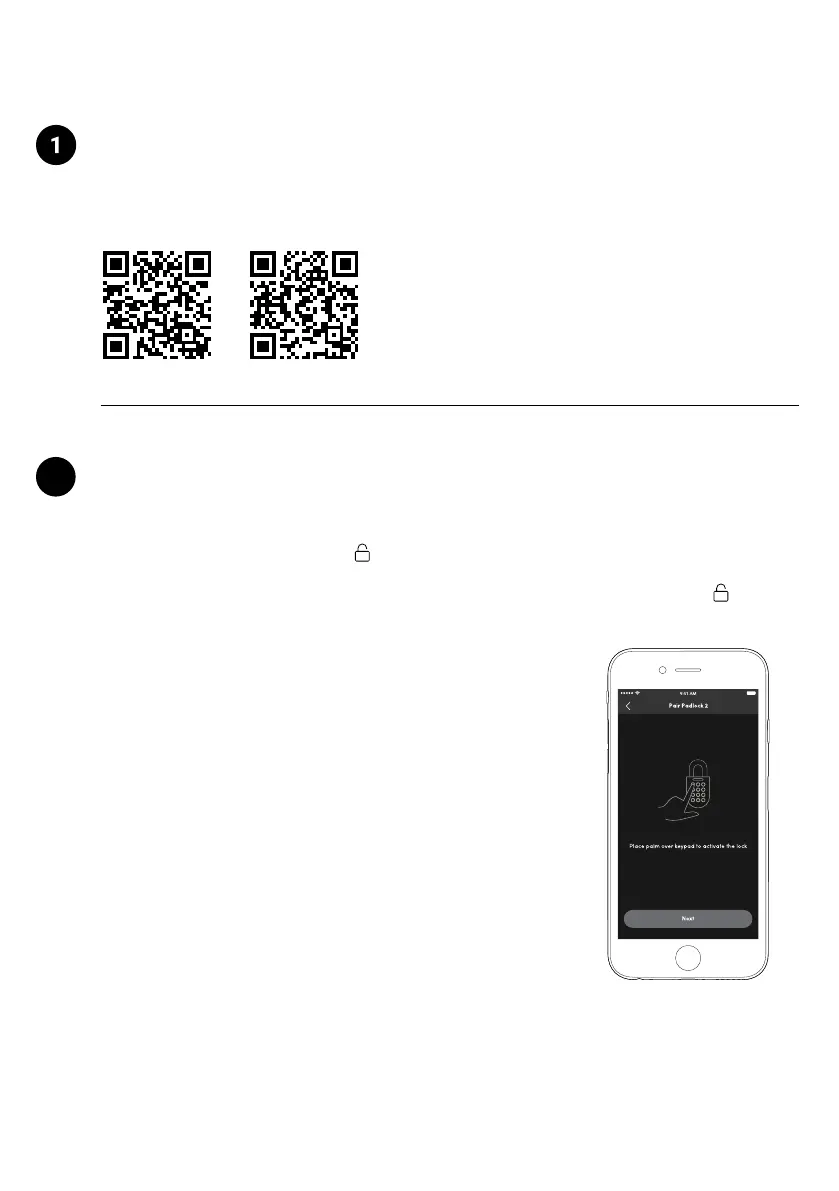
The mobile app is available for free on the App Store and Google Play Store!
Download the igloohome app
App Store Google Play
2
Pairing the lock
b) Once you have tested it, you can now begin to pair the lock to
your igloohome account.
1. On the home page, tap [+]
2. Tap [Pair New Lock or Device]
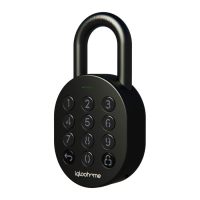
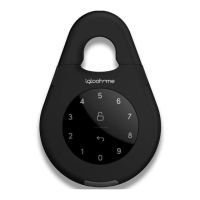
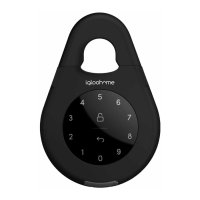
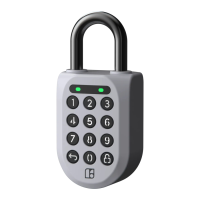
3. Select [Padlock 2] and follow the pairing instructions.
Note:
Ensure your Bluetooth and Location services are turned on. You may
have to perform a Bluetooth sync after successfully pairing the lock
to obtain the initial battery status of the device.
a) Test factory PIN unlock:
1. Wake the lock by pressing the
button for 5 seconds
OR plug the USB-C cable into the lock to wake it up into pairing mode
2. In the factory mode (before pairing), the PIN to unlock the lock is 1 2 3 4 5 6 7 8 9 0


 To Next Page