MORE HEAT. LESS WASTE.
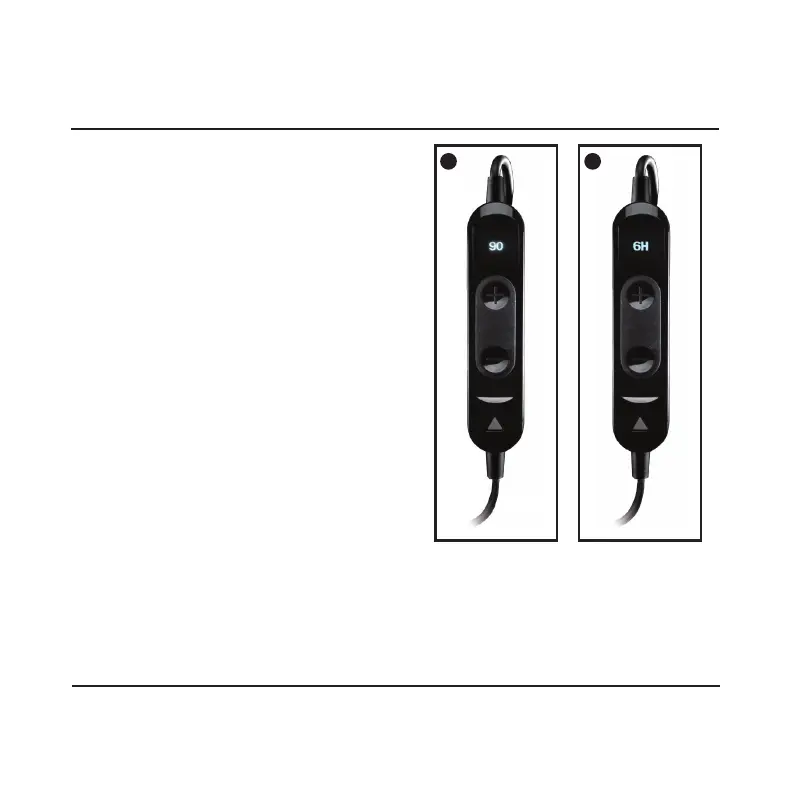
4. Current Heat Level will be displayed on
screen, and Blanket/Bed Cover will begin to
heat up. Use +/- buttons to adjust the heat
level. + for more heat, - for less heat. Heat
Levels range from 10 - 100 in increments of
10 (10, 20, 30... up to 100).
5. Press the Triangle button quickly, and Auto
Shut-Off time will be displayed on the screen.
Use +/- buttons to adjust the Auto Shut Off
time. + for more time, - for less time. Timer
ranges from 1 hour to 10 hours (1H, 2H, 3H ...
up to 10H).
• Heat Level and Auto Shut-Off settings will
be automatically saved from last use.
PRO TIP: Blanket and Bed Cover can be folded
at first to speed up warm-up time. After
approximately 10-minutes unfold and flatten
to begin use.
4 5
DIRECTIONS FOR USE


 To Next Page