7
ITEM SETTINGS DEFAULT
SCORE BOX OFF, ON, 10X OFF
PLAY SCORE NO, YES YES
HAND COUNT NO, YES NO
HOLD PAIR NO, REGULAR, SKILL NO
DOUBLE GAME NO, YES NO
JACKPOT 1 MODE PROGRESSIVE, RANDOM PROGRESSIVE
Notes:
1. Printer only can be driven when connecting to the RS-232 port.
2. Default password of Settings Setup: press
[START]
8 times.
Chance Adjustment
ITEMS SELECTIONS DEFAULT
MAIN GAME LEVEL
LEVEL 1 (easiest), LEVEL 2, LEVEL 3, LEVEL 4, LEVEL
5, LEVEL 6 (hardest)
LEVEL 5
DOUBLE GAME LEVEL 95%, 90%, 85% 90%
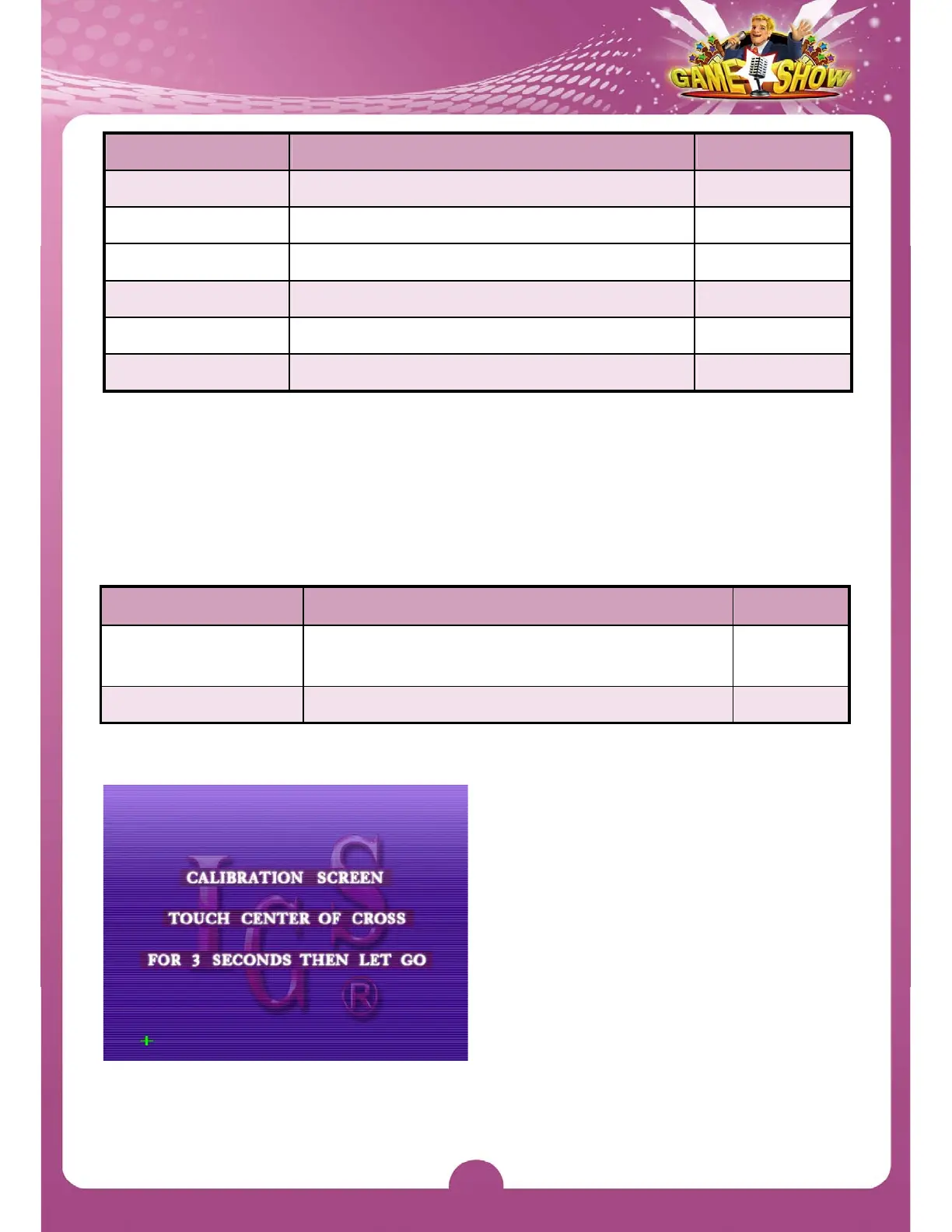
Touch Screen Calibration
1. If a touch screen is connected,
press
[BOOK]
and follow the
on-screen prompts to enter the
calibration screen.
2.
Touch center of the cross on the
screen for 3 seconds.
3.
Follow the cross when it moves till
the calibration is completed.



 To Next Page