EasyManua.ls Logo

IGS Speed Rider 3 - User Manual

IGS Speed Rider 3
87 pages
Print Icon
To Next Page IconTo Next Page
Loading...
Important
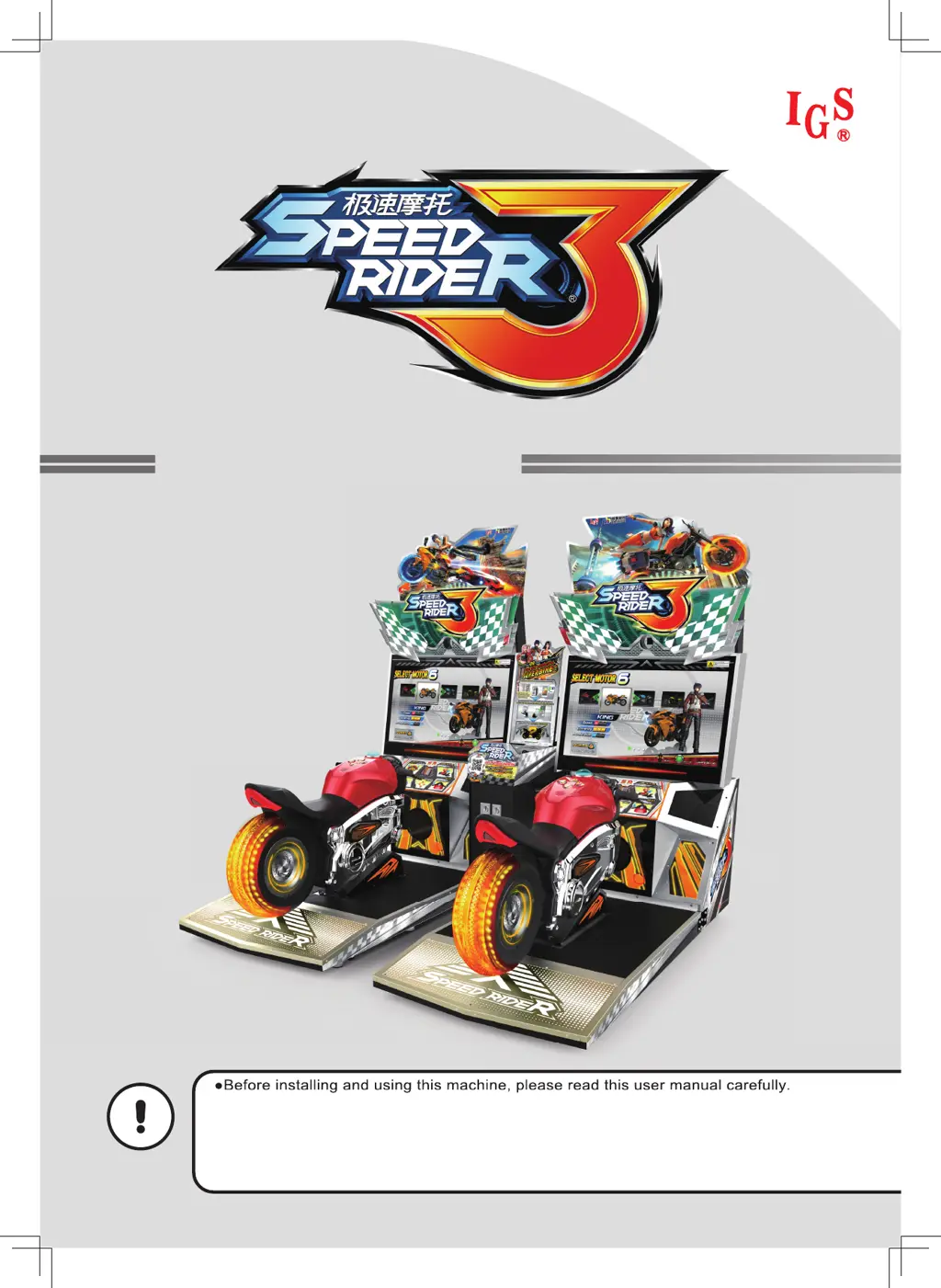
●Before installing and using this machine, please read this user manual carefully.
●Please follow all instructions in this user manual and pay attention to all descriptions to
ensure that the machine is installed correctly.
●Please carefully store this user manual at where it can be easily accessed and read.
●The cabinet and parts of this machine are subject to change for further improvement.
User’s Manual
●Before installing and using this machine, please read this use
r manual carefully.

Table of Contents

Questions and Answers

  • J
    Jason HumphreyAug 13, 2025
    Why do the speakers on my IGS Speed Rider 3 not produce sound?
    • D
      Daniel PerezAug 13, 2025
      If the speakers on your IGS Arcade Game Machines aren't producing sound, there could be several reasons. First, open the maintenance door of the cash box and check if the maximum volume is adjusted to its minimum value. Also, open the maintenance door of the cabinet and check if the volume of the power amplifier is at its minimum. Ensure the power to the power amplifier is turned on. Finally, check the audio cable connecting the power amplifier and cabinet to ensure it's properly connected. If the issue continues, contact your local distributor.
  • M
    Maxwell VillaAug 17, 2025
    What to do if the screen on my IGS Speed Rider 3 appears blank after turning it on?
    • N
      Nicole SandersAug 17, 2025
      If the screen on your IGS Arcade Game Machines appears blank after turning it on, first check if the plugs between the cabinet and screen are well connected, ensuring the DVI connectors on both sides are secure. Then, verify that the cabinet is properly plugged into the port of the video card. If the problem persists, contact your local distributor.
  • D
    Dawn YatesAug 20, 2025
    How to fix throttle, brakes, or tilt axis not working on IGS Speed Rider 3 Arcade Game Machines?
    • D
      Debra GouldAug 20, 2025
      To troubleshoot non-functional throttle, brakes, or tilt axis on your IGS Arcade Game Machines, first, enter [Operator Settings] > [Hardware Test] > [I/O Test] to run the testing. If the testing does not respond, contact your local distributor to replace the corresponding VR.
  • T
    Thomas ReyesAug 25, 2025
    What to do if the button on the oil tank of my IGS Speed Rider 3 does not respond?
    • R
      Roberto ChavezAug 25, 2025
      If the button on the oil tank of your IGS Arcade Game Machines isn't responding, start by entering [Operator Settings] > [Hardware Test] > [I/O Test] to detect any wrongly-functioning button. If the testing does not respond, follow the instructions of to disassemble the cap of the oil tank and check if plugs are coming off. If the problem persists, contact your local distributor to replace parts.
  • C
    Christopher DavisAug 28, 2025
    How to troubleshoot the sensor on the oil tank that does not respond in IGS Speed Rider 3?
    • M
      Margaret AguilarAug 28, 2025
      To troubleshoot a non-responsive sensor on the oil tank of your IGS Arcade Game Machines, begin by entering [Operator Settings] > [Hardware Test] > [I/O Test] to run the testing. If no testing results pop out, follow the instruction of to disassemble the cap and check if plugs are coming off. If the problem persists, contact your local distributor to replace the circuit board of the sensor.
  • R
    Ricky YuSep 1, 2025
    Why does only one speaker produce sound on my IGS Speed Rider 3?
    • D
      Dominic RodriguezSep 1, 2025
      If only one speaker is producing sound on your IGS Arcade Game Machines, check if the plugs between the speakers and power amplifier are securely connected. If the problem persists, contact your local distributor to replace parts.
  • A
    alejandra57Sep 5, 2025
    How do I fix the rear light if it's not on in my IGS Arcade Game Machines?
    • A
      abrennanSep 5, 2025
      If the rear light on your IGS Arcade Game Machines is not on, enter [Operator Settings] > [Hardware Test] > [Lamp Test], and run the testing of wrongly-functioning lights. If lights do not respond, follow the instruction of to disassemble the cap and check if plugs are coming off. If this problem persists, contact your local distributor to replace the circuit board of the rear light.
  • G
    gordonjessicaSep 8, 2025
    What should I do if the light of the button on the oil tank of my IGS Speed Rider 3 is not on?
    • S
      Scott WelchSep 8, 2025
      If the light of the button on the oil tank of your IGS Arcade Game Machines is not on, first enter [Operator Settings] > [Hardware Test] > [Lamp Test], and run the testing of wrongly-functioning lights. If lights do not respond, follow the instruction of to disassemble the cap of the oil tank and check if plugs are coming off. If this problem persists, contact your local distributor to replace parts.

IGS Speed Rider 3 Specifications

General IconGeneral
BrandIGS
ModelSpeed Rider 3
CategoryArcade Game Machines
LanguageEnglish

Related product manuals