EasyManua.ls Logo

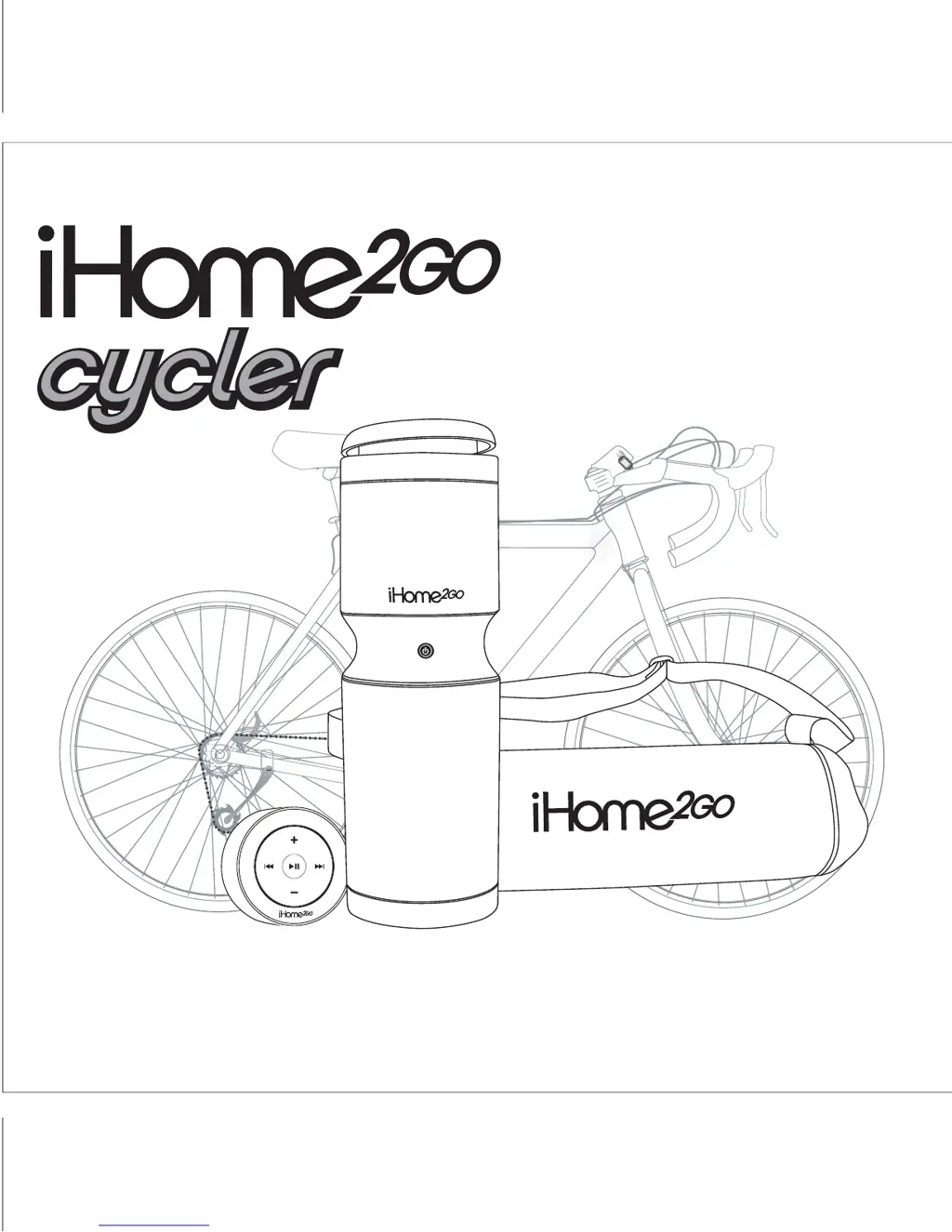
iHome 2GO Cycler iH85 - User Manual

iHome 2GO Cycler iH85
12 pages
Print Icon
To Next Page IconTo Next Page
Loading...
Model iH85
Bicycle Speaker System
For Your iPod
®
Questions? Visit www.ihomeaudio.com
iH85IBinUSBversion
Printcolor:Blacktextonwhitepaper
Sizeofmanual:178mmWx178mmH
Jan24,06
P1

Questions and Answers

  • E
    Erik TaylorJul 30, 2025
    How to troubleshoot iHome 2GO Cycler iH85 that won't turn on?
    • J
      Joshua LeeJul 30, 2025
      If your iHome Portable Speaker unit isn’t responding or has no power, first ensure the AC adapter is correctly plugged into both a functioning wall outlet and the power supply jack on the back of the unit. If that doesn't work, try plugging another device into the same outlet to confirm it's working. Also, replace all batteries with new ones. Finally, make sure the power is on by pressing the Power button.
  • L
    Lee SmithAug 4, 2025
    What to do if my iPod doesn't charge on iHome Portable Speakers?
    • D
      Derek KellerAug 4, 2025
      If your iPod isn't charging when docked in the iHome Portable Speakers, start by ensuring the unit is plugged into a working AC outlet with good connections. Also, remove your iPod from the dock, inspect the connectors on both the dock and your iPod for any obstructions, and then reseat it properly. Note that the iHome Portable Speakers do not support 3rd generation iPods. If the iPod is locked up or frozen, refer to your iPod manual.
  • N
    normalawsonAug 10, 2025
    Why doesn't my iHome Portable Speakers remote control work?
    • R
      Ruth AlexanderAug 10, 2025
      If the remote control for your iHome Portable Speakers isn’t working, first replace the batteries with new ones. If that doesn’t solve the problem, try moving the remote control closer to the main unit.
  • V
    vstantonAug 16, 2025
    How to fix distorted sound on iHome 2GO Cycler iH85?
    • Q
      qbairdAug 16, 2025
      If the sound from your iHome Portable Speakers is distorted, try these steps: 1. Decrease the volume level. 2. If the original sound source (like an iPod file) is poor quality, distortion may be more noticeable with high-power speakers. 3. Turn bass boost OFF. 4. Ensure that the end cap or remote isn't covering the speaker during use.
  • C
    christopherrossAug 23, 2025
    What to do if iPod does not respond to iHome 2GO Cycler iH85 Portable Speakers?
    • D
      Derek JohnsonAug 23, 2025
      If your iPod isn't responding to the iHome Portable Speakers, remove the iPod from the dock and check for any obstructions on the connectors in the dock and on your iPod. Then, reseat it in the dock. Also, consider upgrading the software on your iPod. If the iPod is locked up or frozen, please refer to your iPod manual.

Summary

Quick Start Guide

Powering the Unit: AC or Batteries

Details on connecting the AC adapter or installing batteries for power.

Docking a Thin iPod

Guidance on docking a thin iPod model into the unit.

Docking a Nano or iPod Mini

Instructions for docking iPod Nano or iPod Mini models.

Playing Your iPod

Steps to play music from the docked iPod.

Attaching the Remote Clamp and Mounting Bracket

Mounting Remote Clamp to Handlebars

Steps to attach the remote clamp to bicycle handlebars.

Controls and Indicators Overview

Using the iH85 System

iPod Charging and Playback

Product Safety Information

iHome 2GO Cycler iH85 Specifications

General IconGeneral
BrandiHome
Model2GO Cycler iH85
CategoryPortable Speakers
LanguageEnglish

Related product manuals