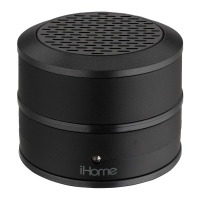
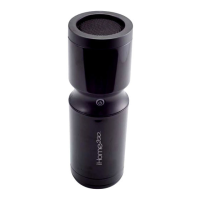
iBT3
3
P6
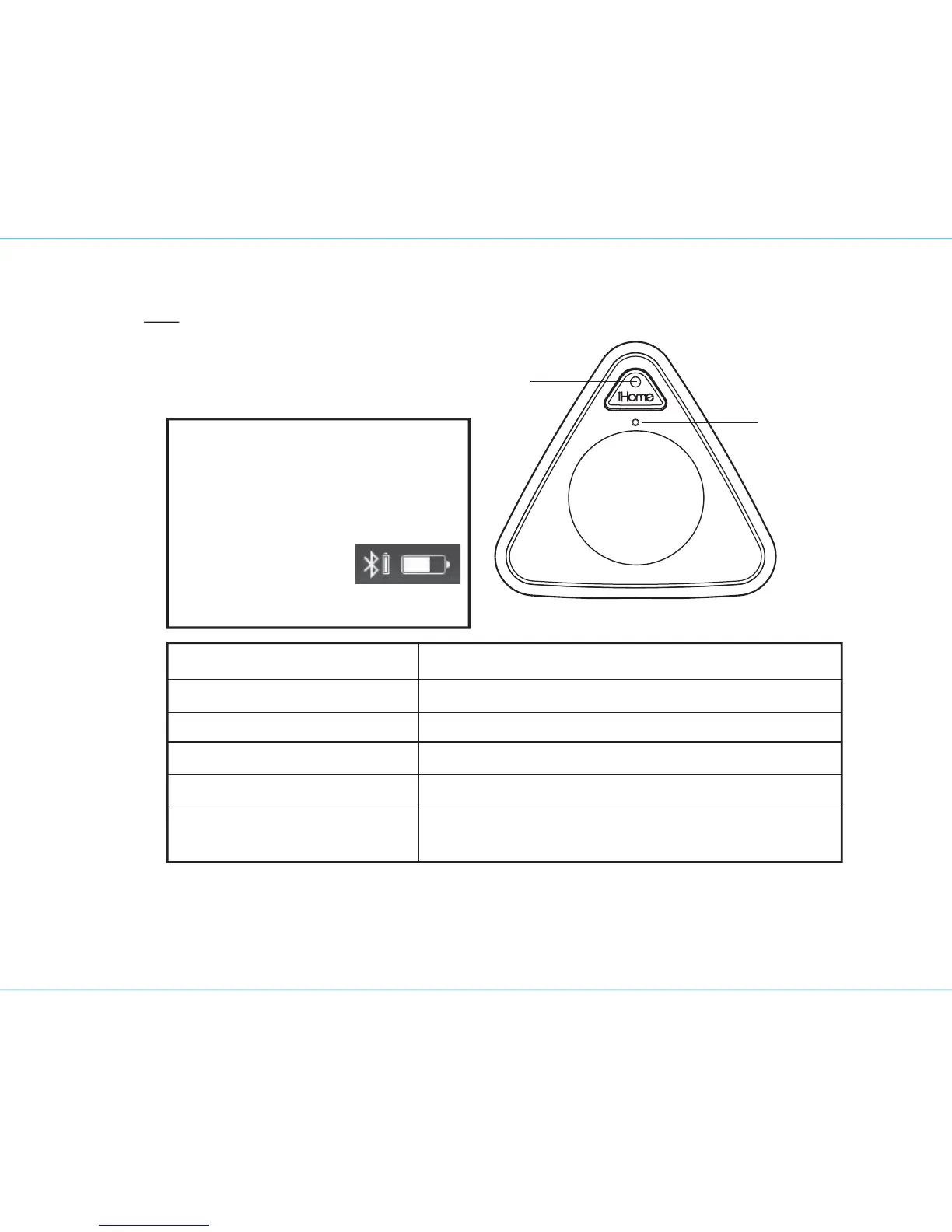
Microphone
Status indicator
Status indicator Status
Solid red LED
Solid blue LED
Flashing red LED*
*Flashes red 10x every minute
Quickly flashing blue LED
Slowly flashing blue LED
Unit is charging
Unit needs charging
Active Bluetooth connection / Aux mode
Unit is attempting to pair with Bluetooth device
Unit is attempting to auto link to already
paired Bluetooth device
Top
TIP: On some iOS (Apple) devices,
you can view the iBT3 battery status
on your device’s screen. When
device is paired and connected,
look for a vertical battery icon next
to the Bluetooth icon
on the upper right
corner of the device’s
screen.


 To Next Page