4
iBT82
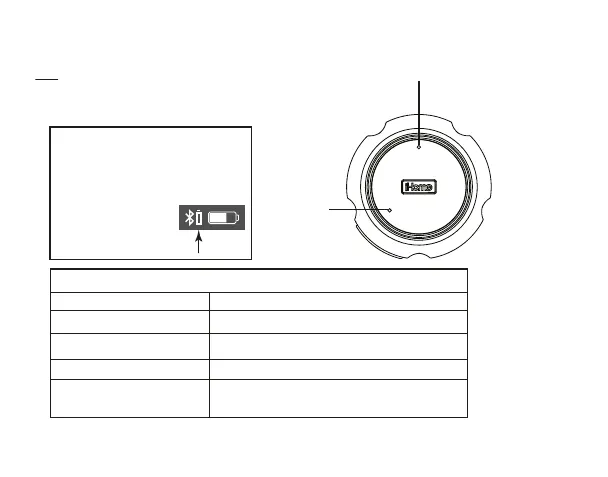
Status indicator Status
Solid red LED
Solid blue LED
Flashing red LED
Quickly flashing blue LED
Slowly flashing blue LED
Unit is charging
Unit needs charging
Active Bluetooth connection
Unit is attempting to pair with Bluetooth device
Unit is attempting to auto link to already
paired Bluetooth device
Top
TIP: On some iOS (Apple) devices,
you can view the iBT82 battery
status on your deviceʼs screen.
When device is paired and
connected, look for a vertical
battery icon next to
the Bluetooth icon on
the upper right corner
of the deviceʼs screen.
Microphone
Status indicator LED



 To Next Page